报错信息:Error running ‘JsaasApplication’: Command line is too long. Shorten command line for JsaasApplication or also for Spring Boot default configuration.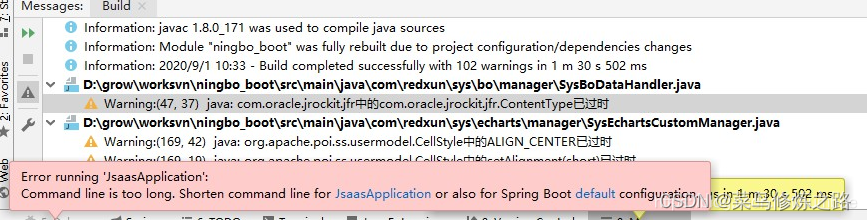
解决:
1.修改配置,在 Add Run Options里选择Shorten command line,然后选择JAR manifest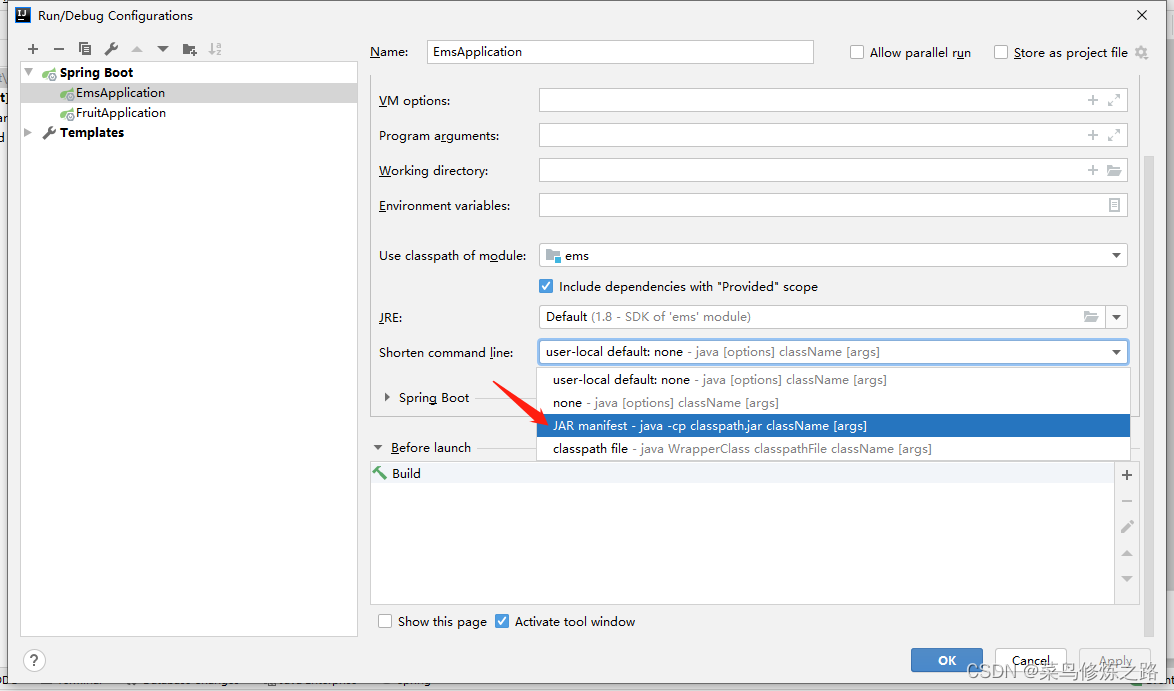
版权声明:本文为weixin_44081211原创文章,遵循CC 4.0 BY-SA版权协议,转载请附上原文出处链接和本声明。