三个子元素在父元素的排列方式。justify-content为子元素在父元素水平方向的排列方式
<view class='dad'>
  <view class='son'>自定义</view>
  <view class='son'>自定义</view>
  <view class='son'>自定义</view>
</view>
.dad{
    width: 100%;
    height: 100px;
    display: flex;
    justify-content: '不同的值会呈现不同的水平分布样式,请看下面的样式';
}
.son{
    height: 100px;
    line-height: 100px;
    text-align: center;
    width: 100px;
    background-color: green;
    font-size: 26rpx;
    color: #fff;
}
1.justify-content: flex-start;(默认值,位于容器的开头)

2.justify-content: flex-end;(位于容器的结尾)
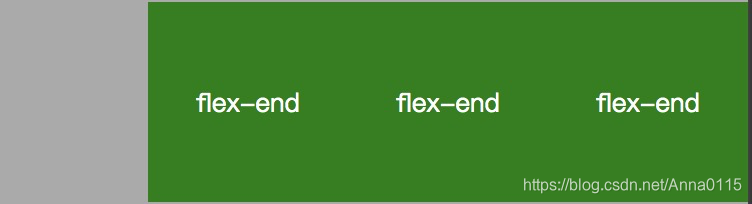
3.justify-content: center;(位于容器的中间)

4.justify-content: space-between;

5.justify-content: space-around

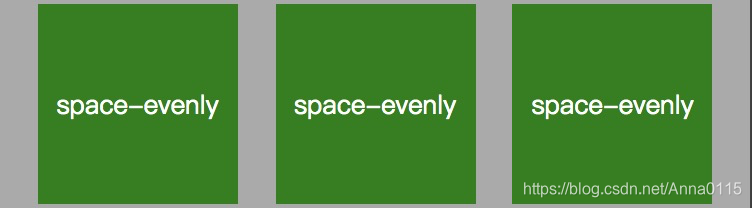
6.justify-content: space-evenly
版权声明:本文为Anna0115原创文章,遵循CC 4.0 BY-SA版权协议,转载请附上原文出处链接和本声明。