
1.先去宝塔:https://www.bt.cn/申请一个免费SSL证书: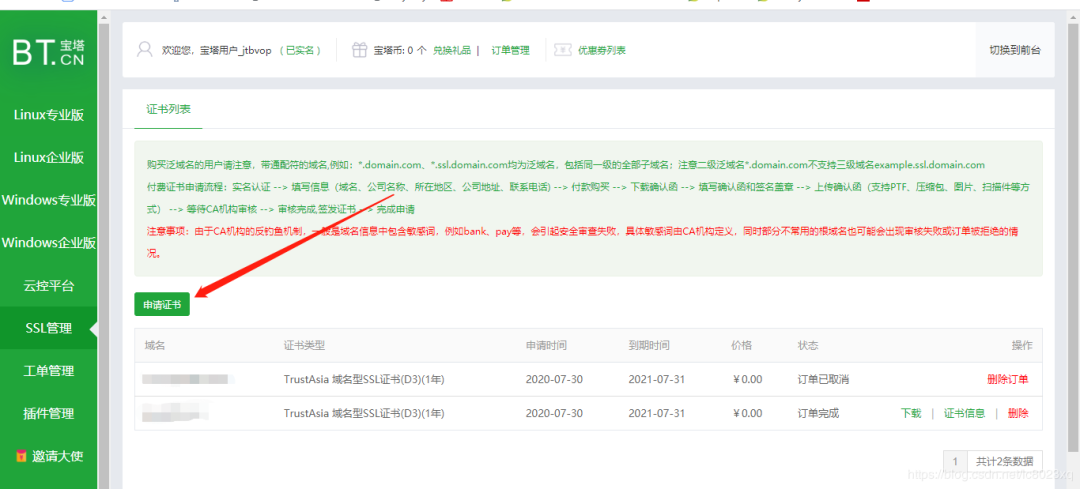
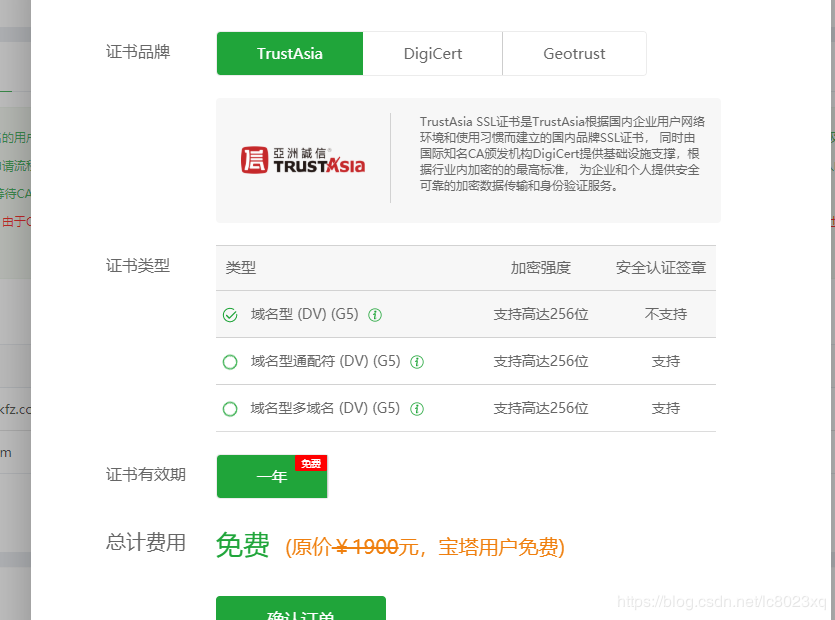
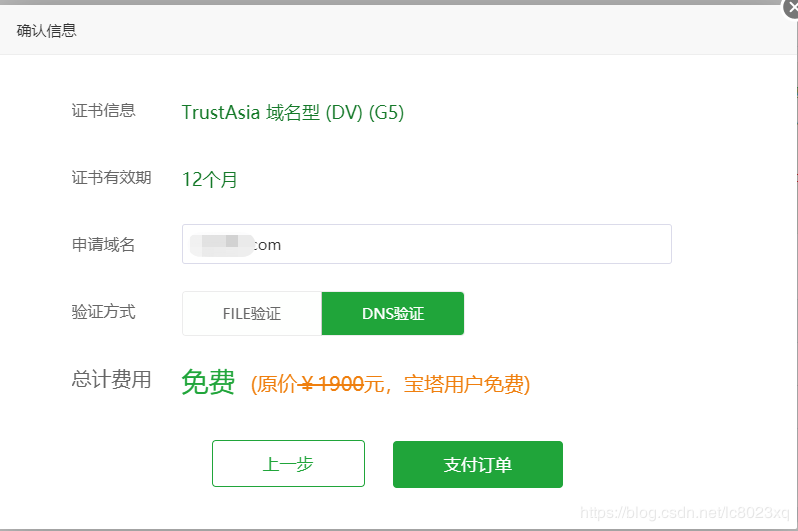 2.点支付订单后,还需要再列表 验证域名,验证域名需要在自己的域名解析配置txt类型字符串值如下,解析值在宝塔SSL申请列表详情可以看到:
 3.验证成功后,在SSL申请列表下载证书:
 4.下载后是一个压缩包,压缩包里会有各种服务器配置需要的证书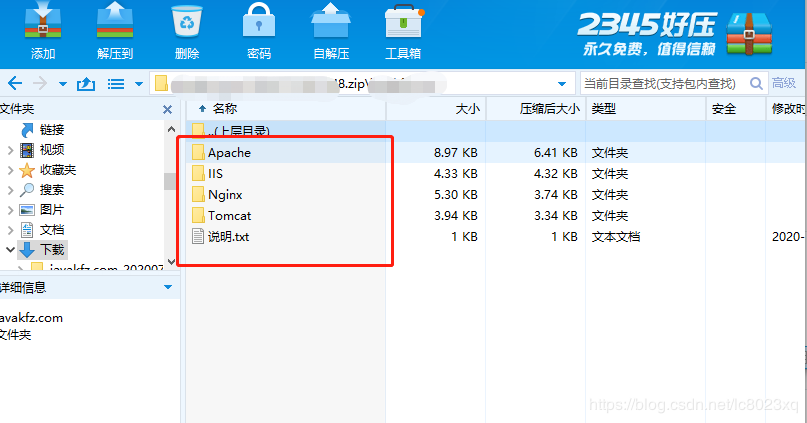
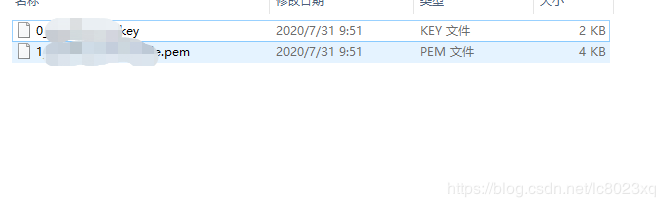 5.SSL免费证书申请好了,那么我就来看看nginx监听443端口配置SSL证书吧
如果还没安装nginx请看我另外一篇博文安装nginx教程: https://blog.csdn.net/lc8023xq/article/details/107430072
nginx配置:
http { include mime.types; default_type application/octet-stream; gzip on; gzip_min_length 1024; gzip_types text/css application/x-javascript application/vnd.api+json; gzip_disable "MSIE [1-6]\."; gzip_comp_level 2; #log_format main '$remote_addr - $remote_user [$time_local] "$request" ' # '$status $body_bytes_sent "$http_referer" ' # '"$http_user_agent" "$http_x_forwarded_for"'; #access_log logs/access.log main; sendfile on; #tcp_nopush on; #keepalive_timeout 0; keepalive_timeout 65; #gzip on; server { listen 443 ssl; server_name javakfz.com; root /home/www/discuz/public; index index.php; #ssl on; ssl_certificate /opt/install/Nginx_SSL/1_javakfz.com_bundle.pem; ssl_certificate_key /opt/install/Nginx_SSL/0_javakfz.com.key; ssl_session_timeout 5m; ssl_ciphers ECDHE-RSA-AES128-GCM-SHA256:ECDHE:ECDH:AES:HIGH:!NULL:!aNULL:!MD5:!ADH:!RC4; ssl_protocols TLSv1 TLSv1.1 TLSv1.2; ssl_prefer_server_ciphers on; #charset koi8-r; #access_log logs/host.access.log main; #location / { # try_files $uri $uri/ /index.php?$query_string; #} location ~ \.php$ { include fastcgi_params; fastcgi_pass 127.0.0.1:9000; fastcgi_index index.php; fastcgi_param SCRIPT_FILENAME /home/www/discuz/public$fastcgi_script_name; } #error_page 404 /404.html; # redirect server error pages to the static page /50x.html # error_page 500 502 503 504 /50x.html; location = /50x.html { root html; } } #配置80端口重定向443端口 server { listen 80; server_name javakfz.com; rewrite ^(.*)$ https://${server_name}$1 permanent; }}6.如果在Nginx配置好SSL相关配置之后报错:
检查配置:/usr/local/nginx/sbin/nginx
报错:nginx: [emerg] unknown directive “ssl” in /usr/local/nginx/conf/nginx.conf:26
以上说明没有安装SSL模块,那么我们需要重新安装相关模块
1.在nginx的安装目录执行
./configure --prefix=/usr/local/nginx --with-http_stub_status_module --with-http_ssl_module
2.在nginx的安装目录执行
make
7.最后
/usr/local/nginx/sbin/nginx -s reload # 重新载入配置文件
/usr/local/nginx/sbin/nginx -s reopen # 重启 Nginx

I do not know where to go,
but I have been on the road.
我不知道将去何方,但我已在路上
点亮  ,告诉大家你也在看