SpringBoot-Admin(服务监控,基于nacos实现) 详解
1.服务端
1.1导pom.xml包
	   <dependency>
            <groupId>de.codecentric</groupId>
            <artifactId>spring-boot-admin-starter-server</artifactId>
        </dependency>
        <dependency>
            <groupId>com.alibaba.cloud</groupId>
            <artifactId>spring-cloud-starter-alibaba-nacos-discovery</artifactId>
        </dependency>
        <dependency>
            <groupId>org.springframework.boot</groupId>
            <artifactId>spring-boot-starter-security</artifactId>
        </dependency>
        <!--Web-->
        <dependency>
            <groupId>org.springframework.boot</groupId>
            <artifactId>spring-boot-starter-web</artifactId>
        </dependency>
1.2application.yml配置文件
server:
  port: 1010

spring:
  application:
    name: admin-server
  main:
    allow-bean-definition-overriding: true
  cloud:
    nacos:
      discovery:
        server-addr: 1.1.1.1:8848 	#注册中心地址
        metadata:
          user.name: "admin"
          user.password: "123456"
        group: DEFAULT_GROUP
  security:
    user:
      name: "admin"
      password: "123456" #springboot-admin密码
management:
  health:
    redis:
      enabled: false #关闭redis健康检查
    sentinel:
      enabled: false #关闭sentinel健康检查
    ldap:
      enabled: false #关闭ldap健康检查
  endpoints:
    web:
      exposure:
        include: '*'
    health:
      sensitive: false #关闭过滤敏感信息
  endpoint:
    health:
      show-details: ALWAYS  #显示详细信息
1.3启动类
/**
 * @Author: dengx
 * @Date: 2021/5/25
 */
@SpringBootApplication
@EnableDiscoveryClient
@EnableAdminServer
public class AdminServerApplication {

    public static void main(String[] args) {
        SpringApplication.run(AdminServerApplication.class, args);
    }
}
1.4配置密码(可以不配置,为了安全最好配置下)
package com.es.security;

import de.codecentric.boot.admin.server.config.AdminServerProperties;
import org.springframework.context.annotation.Configuration;
import org.springframework.security.config.annotation.web.builders.HttpSecurity;
import org.springframework.security.config.annotation.web.configuration.WebSecurityConfigurerAdapter;
import org.springframework.security.web.authentication.SavedRequestAwareAuthenticationSuccessHandler;
import org.springframework.security.web.csrf.CookieCsrfTokenRepository;

/**
 * @author dengx
 */
@Configuration
public class SecuritySecureConfig extends WebSecurityConfigurerAdapter {

    private final String adminContextPath;

    public SecuritySecureConfig(AdminServerProperties adminServerProperties) {
        this.adminContextPath = adminServerProperties.getContextPath();
    }


    @Override
    protected void configure(HttpSecurity http) throws Exception {
        // 登录成功处理类
        SavedRequestAwareAuthenticationSuccessHandler successHandler = new SavedRequestAwareAuthenticationSuccessHandler();
        successHandler.setTargetUrlParameter("redirectTo");
        successHandler.setDefaultTargetUrl(adminContextPath + "/");

        http.authorizeRequests()
                //静态文件允许访问
                .antMatchers(adminContextPath + "/assets/**").permitAll()
                //登录页面允许访问
                .antMatchers(adminContextPath + "/login","/css/**","/js/**","/image/*").permitAll()
                //其他所有请求需要登录
                .anyRequest().authenticated()
                .and()
                //登录页面配置,用于替换security默认页面
                .formLogin().loginPage(adminContextPath + "/login").successHandler(successHandler).and()
                //登出页面配置,用于替换security默认页面
                .logout().logoutUrl(adminContextPath + "/logout").and()
                .httpBasic().and()
                .csrf()
                .csrfTokenRepository(CookieCsrfTokenRepository.withHttpOnlyFalse())
                .ignoringAntMatchers(
                        "/instances",
                        "/actuator/**"
                );
    }
}
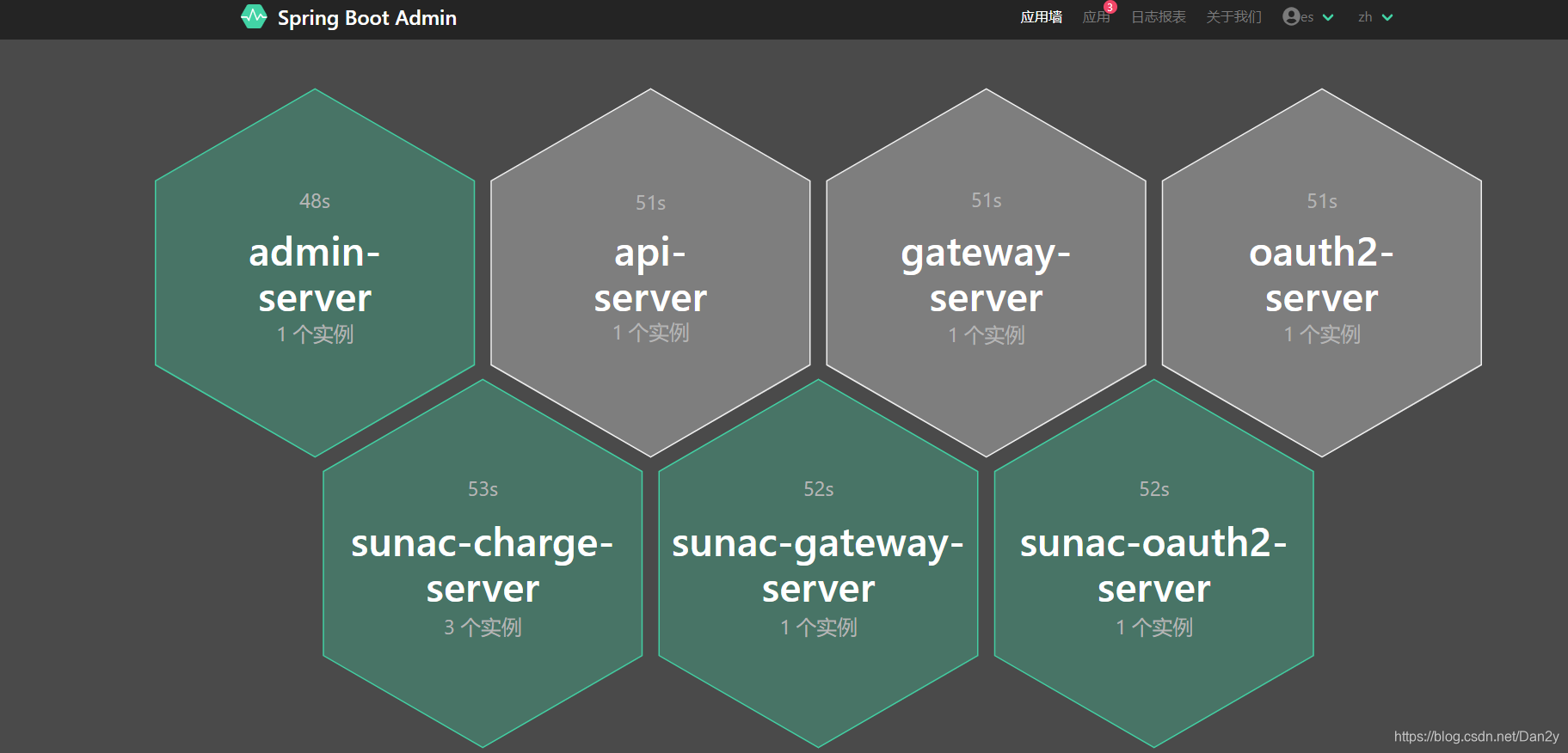
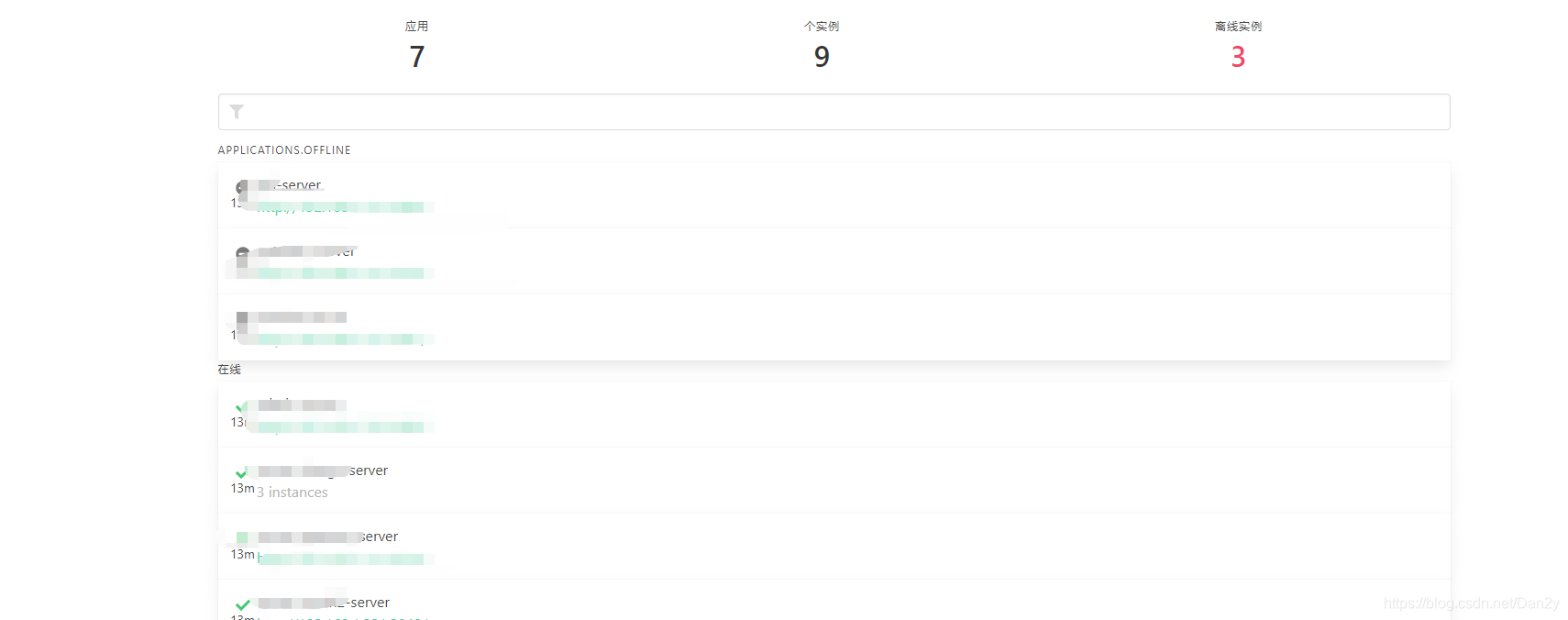
1.5启动如图(服务端配置已完成)
2.客服端(其他需要管理的微服务)
2.1导包
        <dependency>
            <groupId>de.codecentric</groupId>
            <artifactId>spring-boot-admin-starter-client</artifactId>
            <version>2.0.0</version>
        </dependency>
2.2配置yml
management:
  health:
    redis:
      enabled: false #关闭redis健康检查
    sentinel:
      enabled: false #关闭sentinel健康检查
    ldap:
      enabled: false #关闭ldap健康检查
  endpoints:
    web:
      exposure:
        include: '*'
    health:
      sensitive: false #关闭过滤敏感信息
  endpoint:
    health:
      show-details: ALWAYS  #显示详细信息
版权声明:本文为Dan2y原创文章,遵循CC 4.0 BY-SA版权协议,转载请附上原文出处链接和本声明。