


- 创建项目

- 修改配置文件为application.yml。
spring: application: name: api-gateway cloud: config: discovery: enabled: true service-id: CONFIG profile: dev eureka: client: service-url: defaultZone: http://localhost:8761/eureka/ - 在git上面创建文件api-gateway-dev.yml
server: port: 8096 zuul: routes: aaa: path: /myPruduct/** serviceId: product sensitiveHeaders: # product: /myPruduct/** ignored-patterns: - /**/product/listForOrder management: endpoints: web: exposure: exclude: env,beans jmx: exposure: include: health,info - 修改启动类
package com.hx.apigeteway;

import org.springframework.boot.SpringApplication;
import org.springframework.boot.autoconfigure.SpringBootApplication;
import org.springframework.boot.context.properties.ConfigurationProperties;
import org.springframework.cloud.context.config.annotation.RefreshScope;
import org.springframework.cloud.netflix.zuul.EnableZuulProxy;
import org.springframework.cloud.netflix.zuul.filters.ZuulProperties;

@SpringBootApplication
@EnableZuulProxy
public class ApiGetewayApplication {

	public static void main(String[] args) {
		SpringApplication.run(ApiGetewayApplication.class, args);
	}

	@ConfigurationProperties("zuul")
	@RefreshScope
	public ZuulProperties zuulProperties() {
		return new ZuulProperties();
	}
}
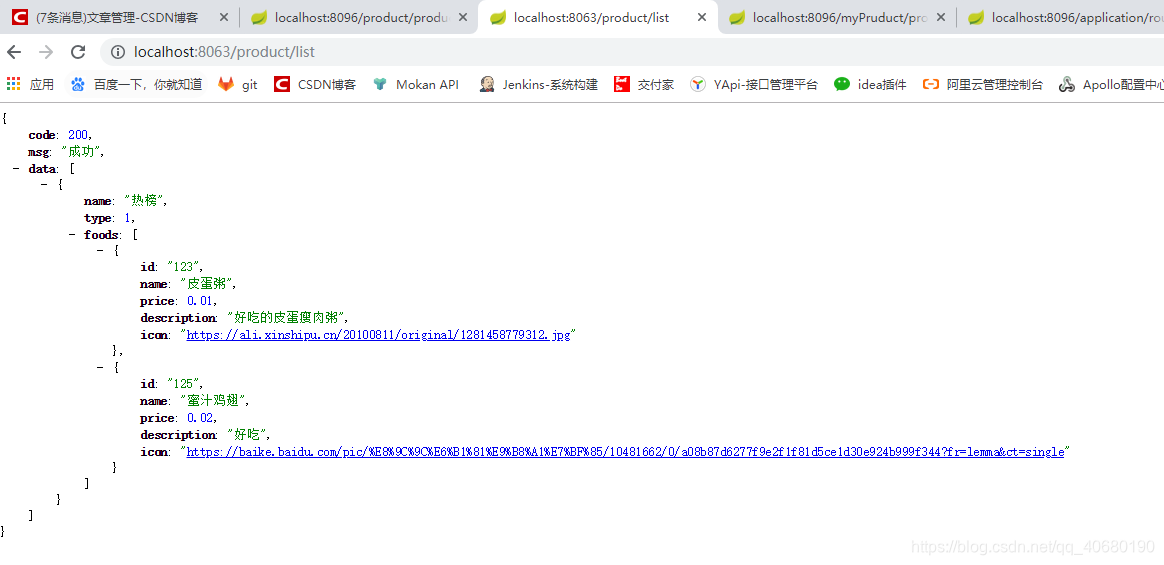
或者添加 ZuulConfig,在启动类上面添加@EnableZuulProxy注解package com.hx.apigeteway; import org.springframework.boot.context.properties.ConfigurationProperties; import org.springframework.cloud.context.config.annotation.RefreshScope; import org.springframework.cloud.netflix.zuul.filters.ZuulProperties; import org.springframework.stereotype.Component; @Component public class ZuulConfig { @ConfigurationProperties("zuul") @RefreshScope public ZuulProperties zuulProperties() { return new ZuulProperties(); } } - 启动euruka、config、Zuul依次启动就可以。

版权声明:本文为qq_40680190原创文章,遵循CC 4.0 BY-SA版权协议,转载请附上原文出处链接和本声明。