(1)、开发过程中node版本升级后,运行时,报错Error: Node Sass
Error: Node Sass does not yet support your current environment: OS X 64-bit with Unsupported runtime (64) For more information on which environments are supported please see: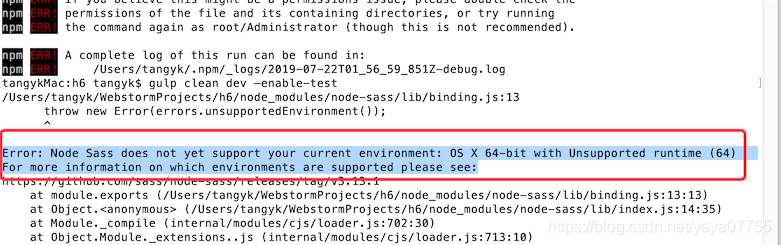
(2)解决方案:
不用回退node版本,而是升级node-sass。
update你的sass版本即可:
npm rebuild node-sass
或者自己手动升级:
1.先卸载
npm uninstall --save node-sass2.清除缓存
npm cache clean -f3.升级node-sass模块
npm install --save node-sass
版权声明:本文为yaya07755原创文章,遵循CC 4.0 BY-SA版权协议,转载请附上原文出处链接和本声明。