1、Html代码:
<canvas id="canvasFirst" width="800" height="600"></canvas>2、JavaScript代码:
// 1、找到画布对象
var canvasFirst = document.getElementById("canvasFirst");
// 2、上下文对象(画笔)
var ctx = canvasFirst.getContext("2d");
setInterval(function () {
    renderClock();
}, 1000);
function renderClock() {
    ctx.clearRect(0, 0, 800, 600);
    ctx.save();
    // 将坐标移动到画布的坐标
    ctx.translate(400, 300);
    ctx.rotate((-2 * Math.PI) / 4);
    ctx.save();
    // 绘制表盘
    ctx.beginPath();
    ctx.arc(0, 0, 200, 0, 2 * Math.PI, false);
    ctx.strokeStyle = "darkgrey";
    ctx.lineWidth = 10;
    ctx.stroke();
    ctx.closePath();
    // 绘制分钟刻度
    for (var j = 0; j < 60; j++) {
        ctx.rotate(Math.PI / 30);
        ctx.beginPath();
        ctx.moveTo(188, 0);
        ctx.lineTo(195, 0);
        ctx.strokeStyle = "orangered";
        ctx.lineWidth = 2;
        ctx.stroke();
        ctx.closePath();
    }
    ctx.restore();
    ctx.save();
    // 绘制时钟刻度
    for (var i = 0; i < 12; i++) {
        ctx.rotate(Math.PI / 6);
        ctx.beginPath();
        ctx.moveTo(180, 0);
        ctx.lineTo(200, 0);
        ctx.lineWidth = 10;
        ctx.strokeStyle = "darkgrey";
        ctx.stroke();
        ctx.closePath();
    }
    ctx.restore();
    ctx.save();

    // 绘制时针秒针
    var time = new Date();
    var hour = time.getHours();
    var min = time.getMinutes();
    var sec = time.getSeconds();
    console.log(hour + ":" + min + " " + sec);
    // 如果时间大于12,直接减去12
    hour = hour > 12 ? hour - 12 : hour;

    // 绘制秒针
    ctx.beginPath();
    ctx.rotate(((2 * Math.PI) / 60) * sec);
    ctx.moveTo(-30, 0);
    ctx.lineTo(170, 0);
    ctx.lineWidth = 2;
    ctx.strokeStyle = "red";
    ctx.stroke();
    ctx.closePath();

    ctx.restore();
    ctx.save();

    // 绘制分针
    ctx.beginPath();
    ctx.rotate(((2 * Math.PI) / 60) * min + ((2 * Math.PI) / 3600) * sec);
    ctx.moveTo(-20, 0);
    ctx.lineTo(150, 0);
    ctx.lineWidth = 4;
    ctx.strokeStyle = "darkblue";
    ctx.stroke();
    ctx.closePath();

    ctx.restore();
    ctx.save();

    // 绘制分针
    ctx.beginPath();
    ctx.rotate(((2 * Math.PI) / 12) * hour + ((2 * Math.PI) / 60 / 12) * min);
    ctx.moveTo(-20, 0);
    ctx.lineTo(140, 0);
    ctx.lineWidth = 6;
    ctx.strokeStyle = "darkslategray";
    ctx.stroke();
    ctx.closePath();

    ctx.arc(0, 0, 10, 0, 2 * Math.PI);
    ctx.fillStyle = "deepskyblue";
    ctx.fill();

    ctx.restore();
    ctx.restore();
    ctx.save();
}
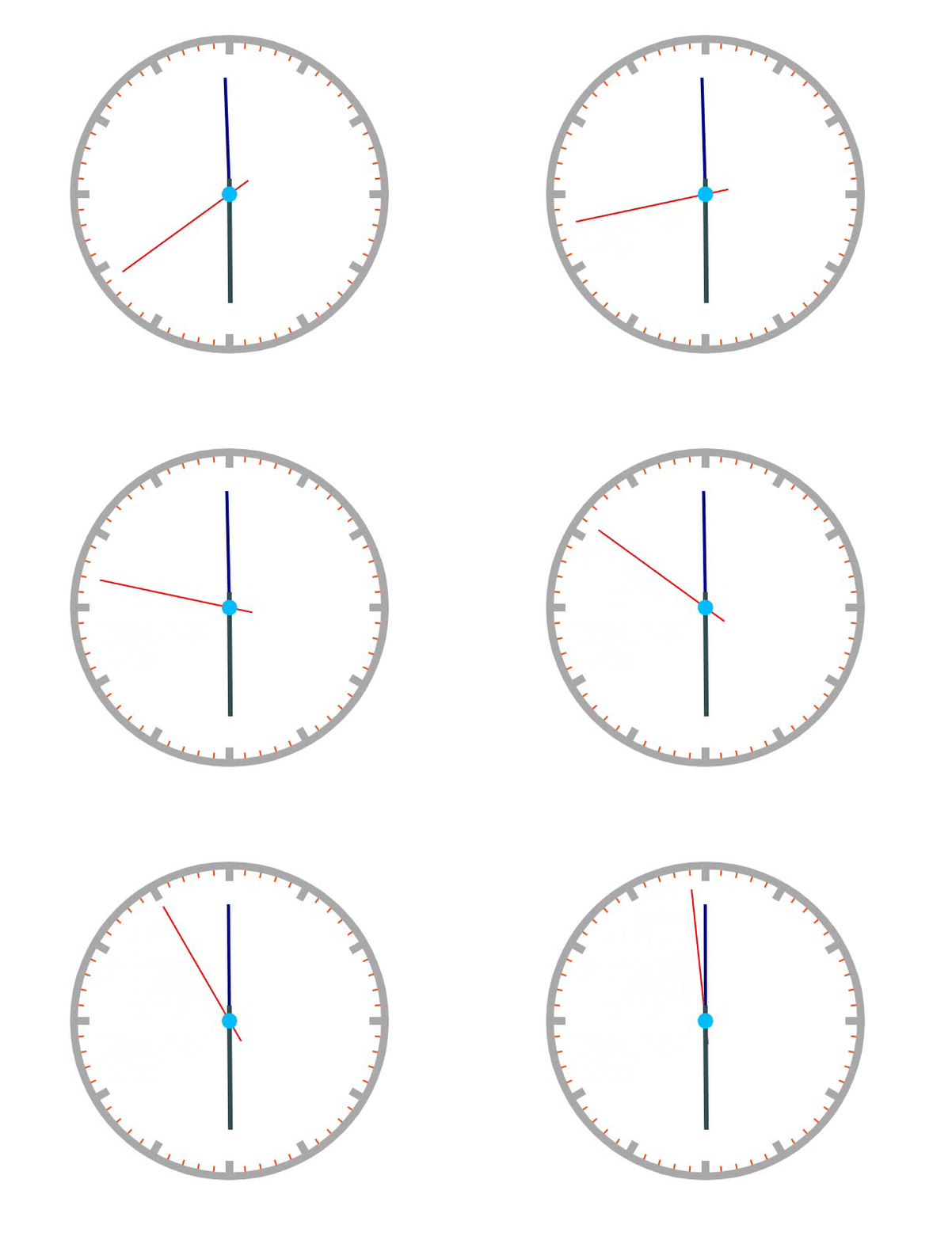
3、效果图:
版权声明:本文为Crazykun原创文章,遵循CC 4.0 BY-SA版权协议,转载请附上原文出处链接和本声明。