#!/usr/bin/python
# -*- coding: UTF-8 -*-
from aip import AipImageClassify

""" 你的 APPID AK SK """
APP_ID = '你的appid'
API_KEY = '你的百度KEY'
SECRET_KEY = '你的加密key'

client = AipImageClassify(APP_ID, API_KEY, SECRET_KEY)

#####################################################

""" 读取图片 """
def get_file_content(filePath):
    with open(filePath, 'rb') as fp:
        return fp.read()

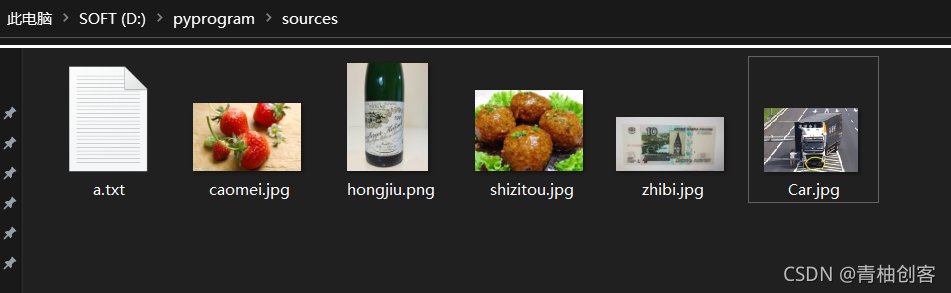
image = get_file_content(r'D:\pyprogram\sources\caomei.jpg')

""" 调用通用物体识别 """
client.advancedGeneral(image);

""" 如果有可选参数 """
options = {}
options["baike_num"] = 5

""" 带参数调用通用物体识别 """
result=client.advancedGeneral(image, options)
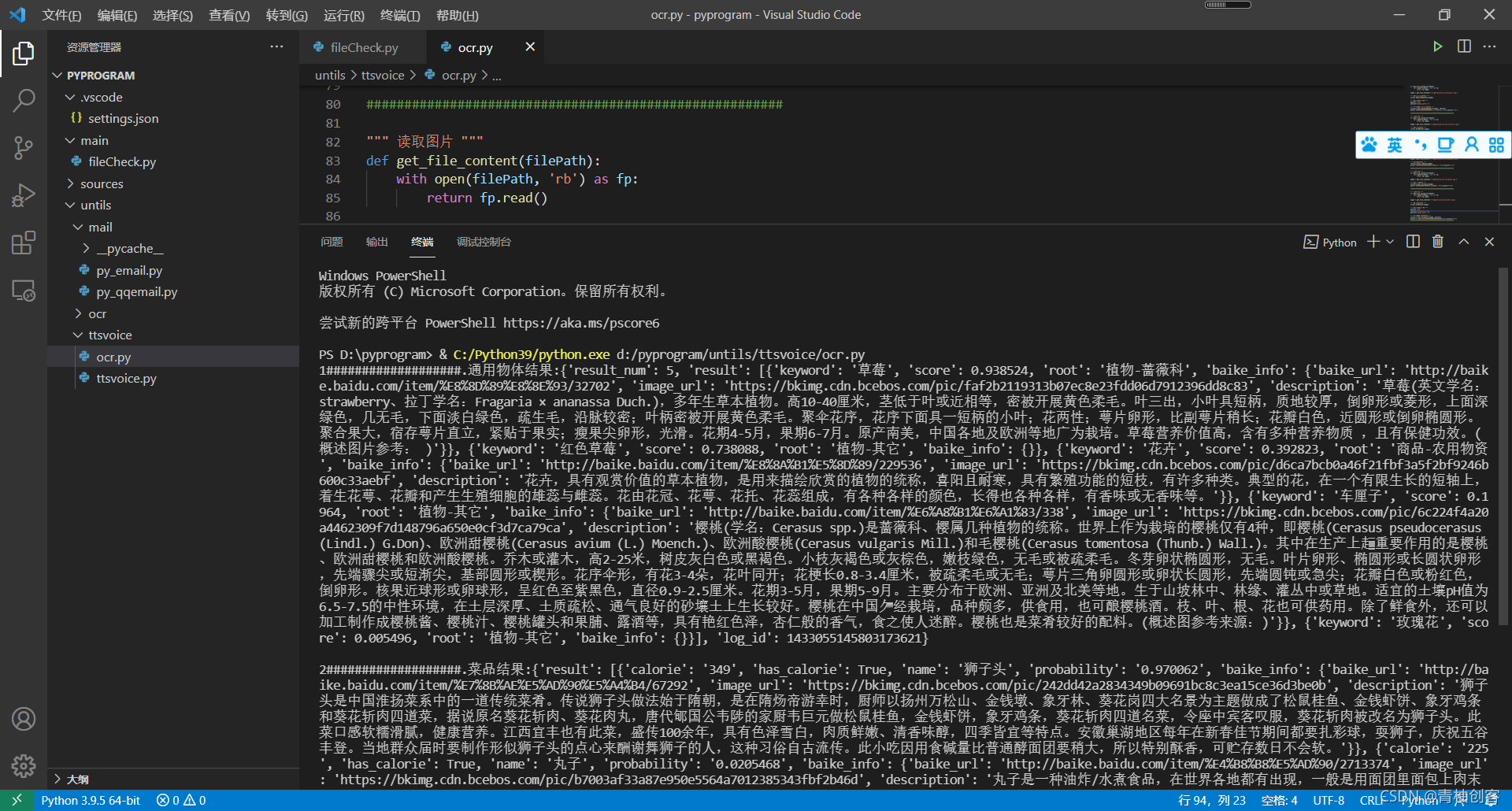
print("1###################.通用物体结果:"+str(result)+'\n')

#######################################################

""" 读取图片 """
def get_file_content(filePath):
    with open(filePath, 'rb') as fp:
        return fp.read()

image = get_file_content(r'D:\pyprogram\sources\shizitou.jpg')

""" 调用菜品识别 """
client.dishDetect(image);

""" 如果有可选参数 """
options = {}
options["top_num"] = 3
options["filter_threshold"] = "0.7"
options["baike_num"] = 5

""" 带参数调用菜品识别 """
result=client.dishDetect(image, options)
print("2###################.菜品结果:"+str(result)+'\n')

#######################################################

""" 读取图片 """
def get_file_content(filePath):
    with open(filePath, 'rb') as fp:
        return fp.read()

image = get_file_content(r'D:\pyprogram\sources\hongjiu.png')

""" 调用红酒识别 """
result=client.redwine(image);
print("3###################.红酒结果:"+str(result)+'\n')

#######################################################

""" 读取图片 """
def get_file_content(filePath):
    with open(filePath, 'rb') as fp:
        return fp.read()

image = get_file_content(r'D:\pyprogram\sources\zhibi.jpg')

""" 调用货币识别 """
result=client.currency(image);
print("4#################.纸币金额:"+str(result)+"\n")

#######################################################

""" 读取图片 """
def get_file_content(filePath):
    with open(filePath, 'rb') as fp:
        return fp.read()

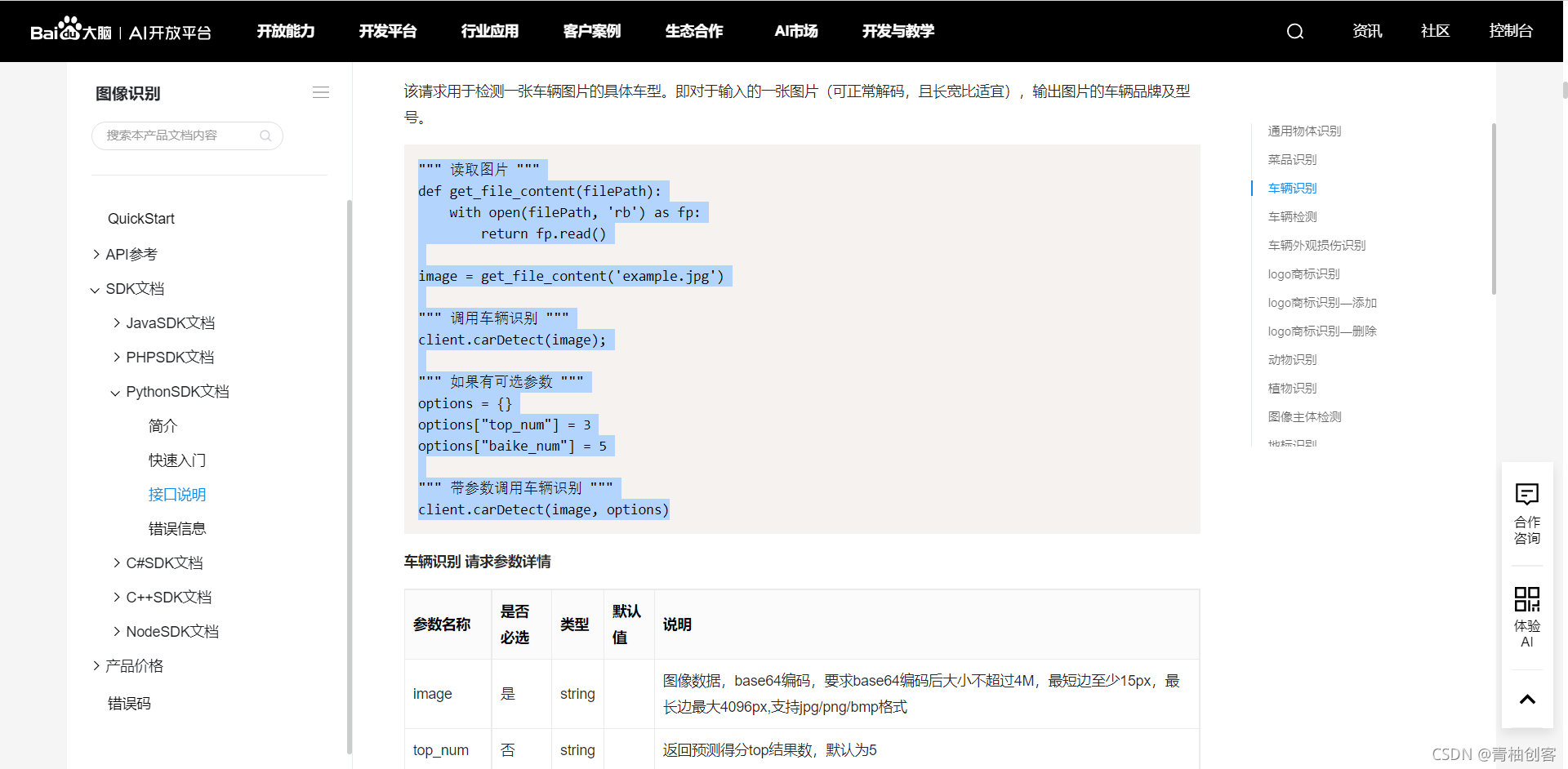
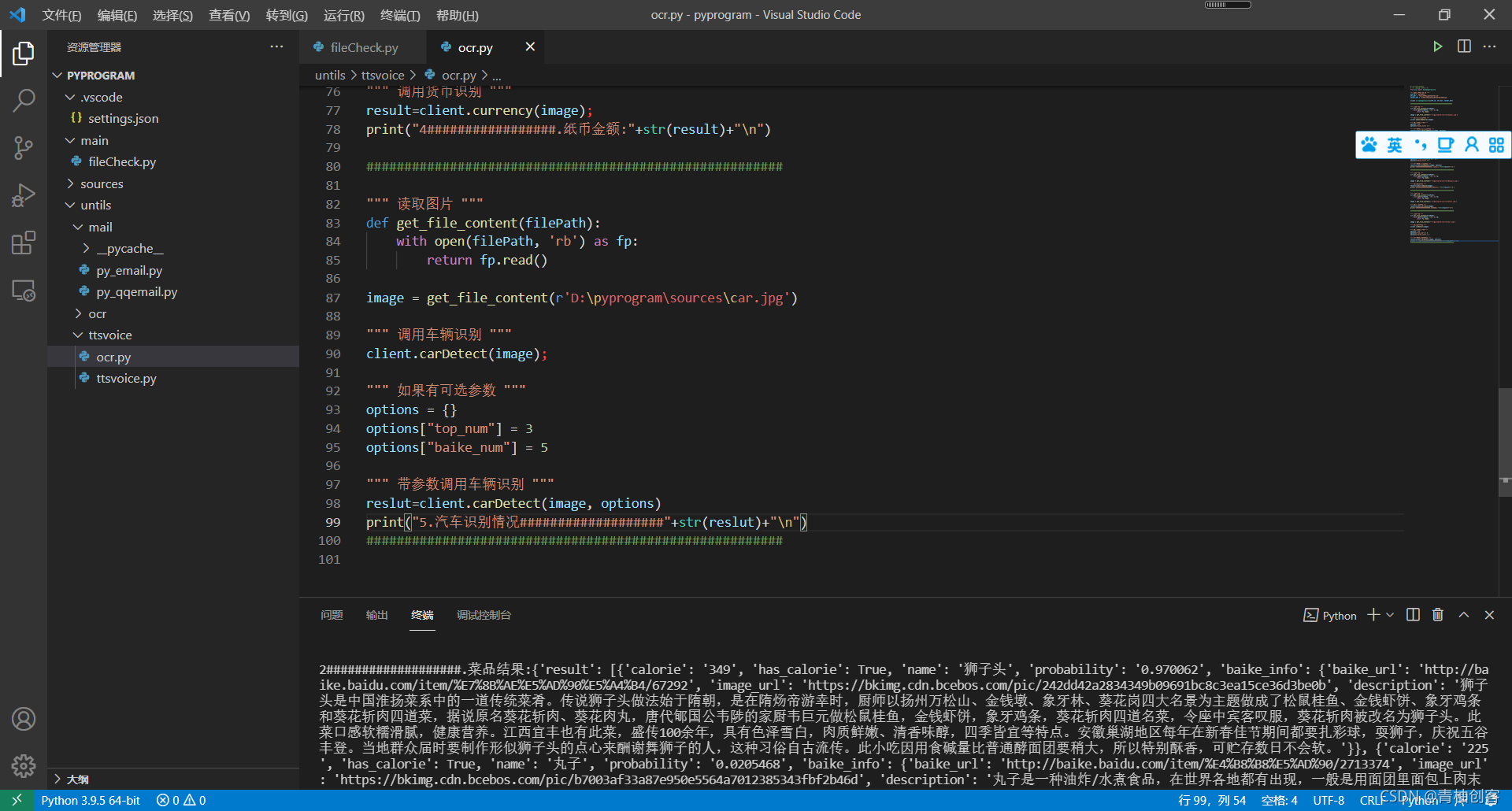
image = get_file_content(r'D:\pyprogram\sources\car.jpg')

""" 调用车辆识别 """
client.carDetect(image);

""" 如果有可选参数 """
options = {}
options["top_num"] = 3
options["baike_num"] = 5

""" 带参数调用车辆识别 """
reslut=client.carDetect(image, options)
print("5.汽车识别情况###################"+str(reslut)+"\n")
#######################################################
版权声明:本文为vippomelo原创文章,遵循CC 4.0 BY-SA版权协议,转载请附上原文出处链接和本声明。