s );
}ccaddii
caddy的证书nginx的 ssl证书配置不一样
配置过程比较复杂
第一步: 安装Caddy(CentOS 8.x)
dnf install 'dnf-command(copr)'
dnf copr enable @caddy/caddy
dnf install caddy
第二步:修改默认访问页面 启动服务
mkdir /opt/web -p
echo "<h1>Hello Caddy</h1>" > /opt/web/index.html

vi /etc/caddy/Caddyfile
www.sh-investment.xyz:80 {
        encode gzip
        file_server {
            root  /opt/web
            index index.html
        }
}
systemctl enable --now caddy
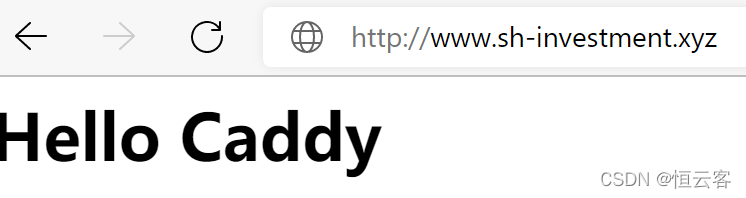
第三步 实现https访问
安装dnspod包:caddy add-package github.com/caddy-dns/dnspod
安装申请证书脚本
curl https://get.acme.sh | sh
OK, Close and reopen your terminal to start using acme.sh
Installing alias to '/root/.cshrc'
Installing alias to '/root/.tcshrc'
Installing cron job
Good, bash is found, so change the shebang to use bash as preferred.
OK
Install success!
安装提示成功(网络原因 需要多次尝试才会成功)
注册邮箱 ./acme.sh --register-account -m l.hao.2012@qq.com
成功后修改Caddyfile配置后保存
www.sh-investment.xyz:443 {
        encode gzip
        file_server {
            root  /opt/web
            index index.html
        }
        tls l.hao.2012@qq.com
}
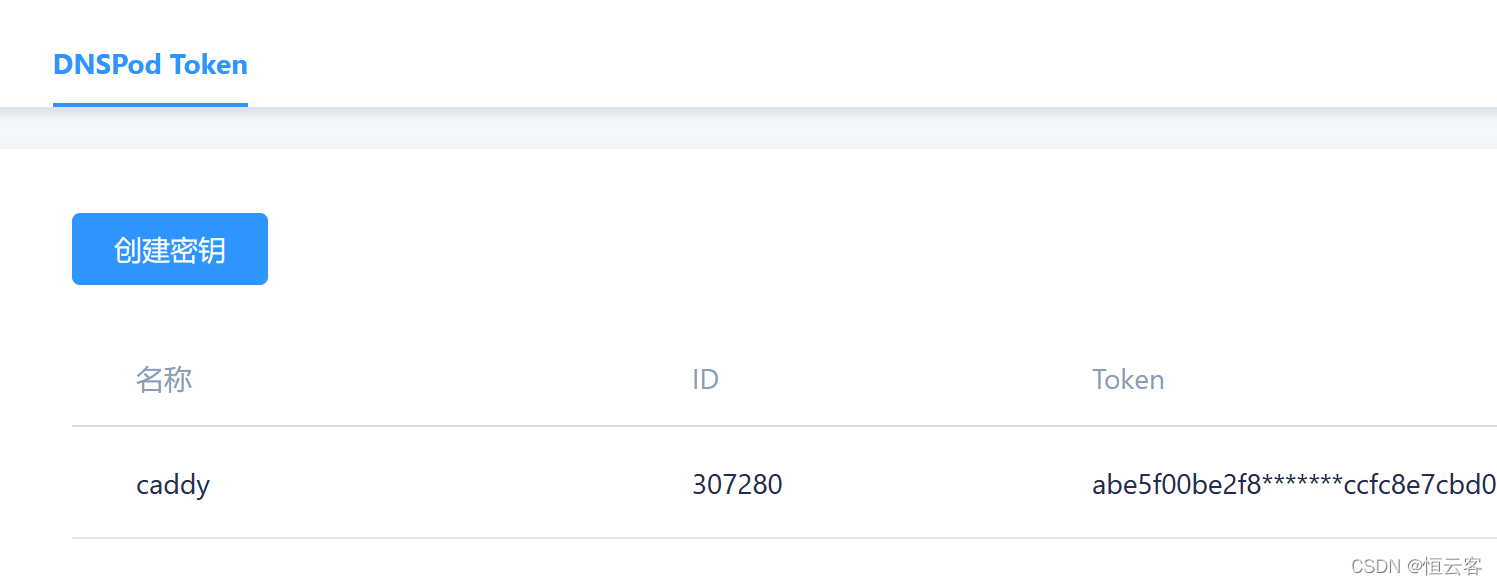
获取腾讯的dnspod的token
申请证书
export DP_Id="307280"
export DP_Key="abe5f00be2f8e7cbd0cd"

 ./acme.sh --issue  --dns dns_dp -d www.sh-investment.xyz


Your cert is in: /root/.acme.sh/www.sh-investment.xyz/www.sh-investment.xyz.cer
Your cert key is in: /root/.acme.sh/www.sh-investment.xyz/www.sh-investment.xyz.key
The intermediate CA cert is in: /root/.acme.sh/www.sh-investment.xyz/ca.cer
And the full chain certs is there: /root/.acme.sh/www.sh-investment.xyz/fullchain.cer
证书申请成功(也是多次尝试才会成功 出现手动dns验证提示需要在控制台中需加入一条txt验证)
caddy reload 重新加载配置
访问测试
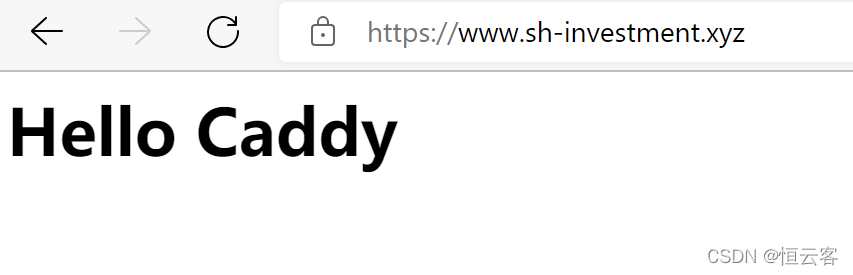
相比nginx Caddy2在证书配置方面 还是比较复杂的
版权声明:本文为python2007cn原创文章,遵循CC 4.0 BY-SA版权协议,转载请附上原文出处链接和本声明。