昨天完成了首页组件的设计。
今天的工作量是第二个导航菜单——全部商品模块,如图:
其中有两个难点,困惑了我很久,
第一个是三种排序方法和价格过滤。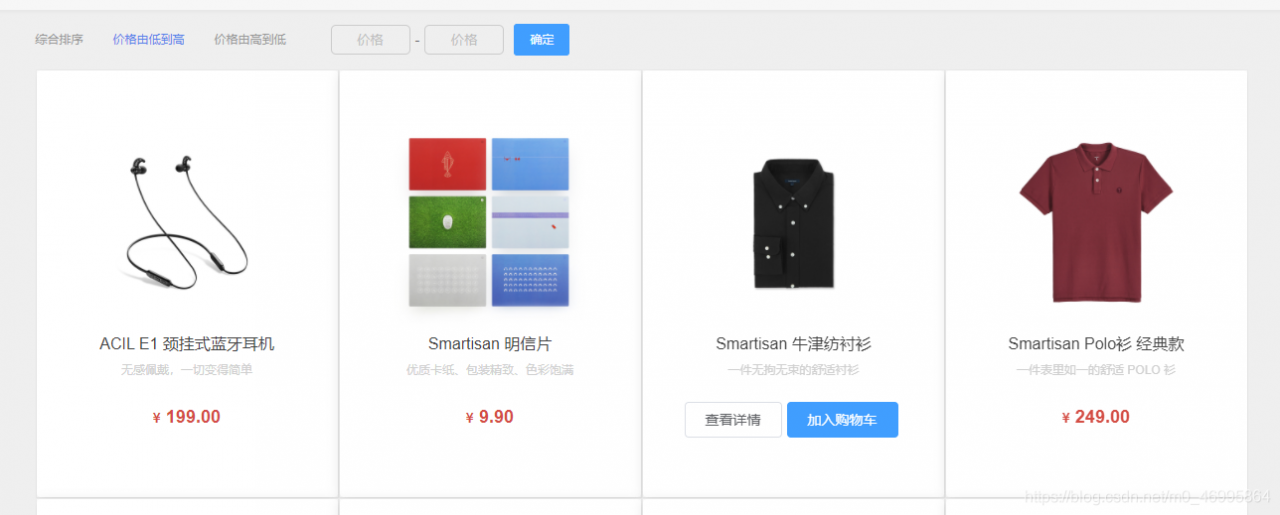
第二个难点就是每页的商品量是动态划分的。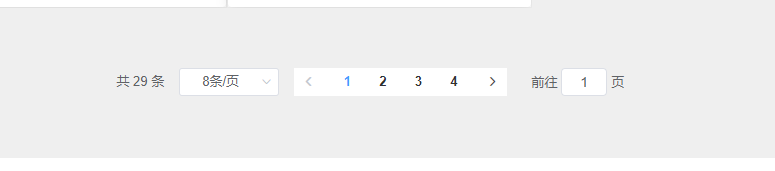
这两个切换菜单基本设计很简单,就是Element-UI拷贝到本地的组件。首先从官方拿到了allGoods的接口,分析了一下,唉怪自己太不细心了,以为是无传参的URL,直接把全部29件商品拿到手在前端各种操作,升序排序都是Vue实例里完成了,后来才发现这URL不简单呀!!!
http://localhost:8080/api/goods/allgoods?page=1&size=20&sort=1&priceGt=10&priceLte=1000
可以看到参数还是不少的,经过研究,各参数是这样设计的:
- page:当前页数,如第一页、第二页;
- size:每页显示商品数量,官网默认是20件;
- sort:排序方式,分别有升序、降序和默认排序对应值为1、-1和无参;
- priceGt:最低价格
- priceLte:最高价格
前端请求是不难的,URL改一下就好,再把这些参数动态渲染到界面上,难就难在处理接口参数的逻辑了。
我的后端是这样写的,一个接口中用到了三个函数,处理了分页、排序以及数组切割。
function sortBy(attr, rev) {
                if (rev === undefined) {
                    rev = 1;
                } else {
                    rev = rev ? 1 : -1;
                }
                return function (a, b) {
                    a = a[attr];
                    b = b[attr];
                    if (a < b) {
                        return rev * -1;
                    }
                    if (a > b) {
                        return rev * 1;
                    }
                    return 0;
                }
            }
            function range(arr, gt, lte) {
                return arr.filter(item => item.salePrice >= gt && item.salePrice <= lte)
            }
            app.get('/api/goods/home', (req, res) => {
                fs.readFile('./db/home.json', 'utf8', (err, data) => {
                    if (!err) {
                        res.json(JSON.parse(data));
                    }
                })
            })
            app.get('/api/goods/allgoods', (req, res) => {
                // 获取的是前端地址栏上的查询参数
                const page = parseInt(req.query.page);
                const size = parseInt(req.query.size);
                const sort = parseInt(req.query.sort);
                const gt = parseInt(req.query.priceGt);
                const lte = parseInt(req.query.priceLte);
                let newData = []
                fs.readFile('./db/allGoods.json', 'utf8', (err, data) => {
                    let { result } = JSON.parse(data);
                    let allData = result.data;
                    // 分页显示
                    newData = pagination(size, page, allData);
                        if (sort === 1) { //价格由低到高
                            newData = newData.sort(sortBy('salePrice', true))
                        } else if (sort === -1) { //价格由高到低
                            newData = newData.sort(sortBy('salePrice', false))
                        }
                        if (gt && lte) {
                            // 过滤 10~1000
                            newData = range(newData, gt, lte)
                        }
                        res.json({
                            data: newData,
                            total: allData.length
                        })
                })
            })
前端请求代码如下:
async getGoods(){
            const res = await this.$http.get(`/api/goods/allgoods?page=${this.currentPage}&size=${this.pageSize}&sort=${this.sort}&priceGt=${this.min}&priceLte=${this.max}`);
            console.log(res);
            this.goodsList = res.data.data;
        },
        listSort(i) {
            this.isIndex = i;
            if(i==0){
                this.sort = '';
                this.getGoods();
            }
            if(i==1){
                this.sort = 1;
                this.getGoods();
            }
            if(i==2){
                this.sort = -1;
                this.getGoods();
            }
        },
而排序方式的切换,实际渲染方式就是通过vue的sort参数绑定接口传参值,从而判断,判断完后请求刷新一下数据就好了!思维方式有问题,这些本就应该在后台处理,可以节省这个Web的很多资源,所以也是吸取教训了。
还有点琐碎时间,写了一下商品详情的组件以及前后端请求交互,这个比较简单,只有一个商品id作为传参返回一个数组就好。
由于昨天的文章提到,每个商品卡片都是一个MallGoods组件,而这个组件在首页中是作为子组件存在,其中存放了props的item,这里面的id就是我们所需要的。
<el-button type="default" size="medium" @click="productDetail(goods.productId)">查看详情</el-button>
//vue中的method
productDetail(id) {
          // 编程式导航
          this.$router.push({
            path: 'goodsDetail',
            query:{
              productId:id
            }
          });
        },
把id传给点击事件,再跳转路由并传递URL参数过去,详情组件我定义了一个goodsDetail组件,把每个商品的id传给该组件后,商品详情的接口也是在这里面请求了,请求如下
methods: {
        async getGoodsDetail() {
            try {
              const res = await this.$http.get(
                `/api/goods/productDet?productId=${this.$route.query.productId}`
              );
              this.product = res.data;
              this.small = this.product.productImageSmall;
              this.big = this.small[0];
            } catch (error) {
              console.log(error);
            }
        },
      },
      created() {
         console.log(this.$route.query.productId);
         this.getGoodsDetail();
      },
后端如下:
 app.get('/api/goods/productDet', (req, res) => {
                // const productId = req.query.productId;
                // console.log(productId);
                fs.readFile('./db/goodsDetail.json', 'utf8', (err, data) => {
                    if (!err) {
                        // let { result } = JSON.parse(data);
                        // let newData = result.find(item => item.productId == productId)
                        res.json(data)
                    }
                })
            })
唉!!!简单的后端对我这种前端刚开启nodejs的小白来说太友好了!!一种很正经的舒适圈好吧…
噢噢别忘了详情信息里也有header和footer的组件,这些直接导入用就好!!
数据明天再渲染…时间太晚了!界面是这样的反正。。。。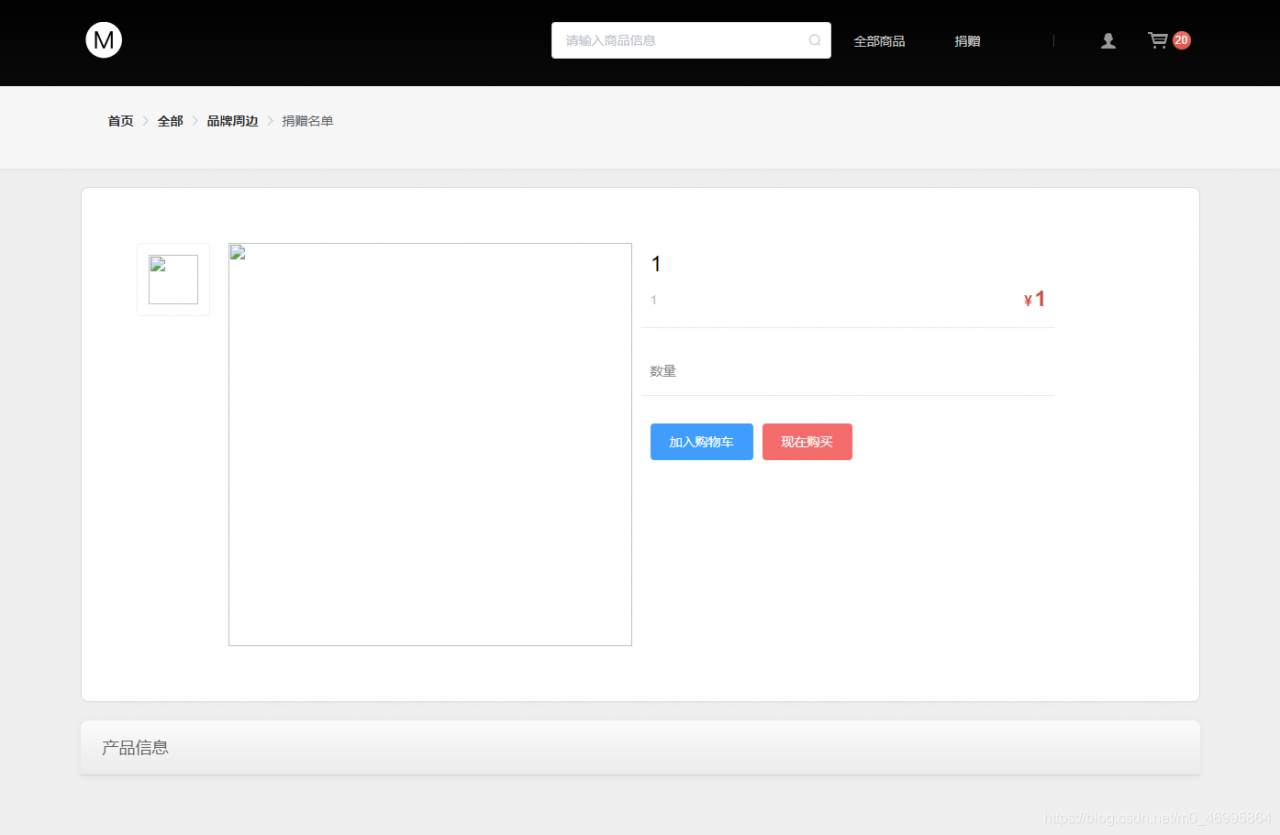
祝大家学习进步,码路一路顺风!!!
共同进步。