一,部署部分省略,官网有详细的教程,顺着步骤做就好了。
二,先说说调用spark运行wordcount案例流程
1,编写代码
package com.sjb.example


import org.apache.log4j.Logger
import org.apache.spark.rdd.RDD
import org.apache.spark.{SparkConf, SparkContext}
import org.apache.spark.sql.SparkSession


 //  com.sjb.example.WordCount
object WordCount {
   var LOGGER:Logger = Logger.getLogger(WordCount.getClass)
  def main(args: Array[String]): Unit = {
//    val wordFile = "file:\\C:\\Users\\Administrator\\Desktop\\test.txt"
//    val wordFile = "file:/wyyt/software/flink-1.11.2/test.txt"
//    val wordFile = "/spark/test/data/test.txt"
    val wordFile = "/dolphinscheduler/test/resources/spark_jar/word.txt"
    System.setProperty("HADOOP_USER_NAME", "hive")
//    System.setProperty("HADOOP_USER_NAME", "test")
//    System.setProperty("HADOOP_USER_NAME", "dolphinscheduler")

//    val wordFile = args(0)
    println("接受参数信息:"+wordFile)
    LOGGER.error("$$$$$$接受参数信息:"+wordFile)
//    val conf = new SparkConf().setAppName("wordcount").setMaster("local[*]")
    val conf = new SparkConf().setAppName("wordcount")
    conf.set("dfs.client.use.datanode.hostname", "true")
    val sc = new SparkContext(conf)
    val input = sc.textFile(wordFile)
    val lines: RDD[String] = input.flatMap(line => line.split(" "))
    val count: RDD[(String, Int)] = lines.map(word => (word, 1)).reduceByKey { case (x, y) => x + y }

    count.collect().foreach(println)
    sc.stop()
  }


}
2,上传jar包
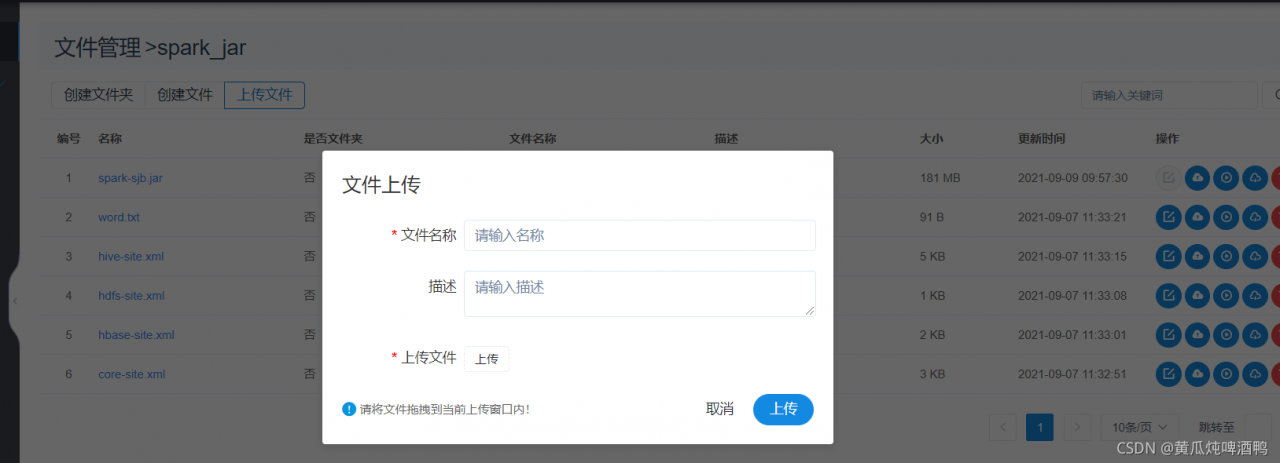
3,编辑节点,执行任务
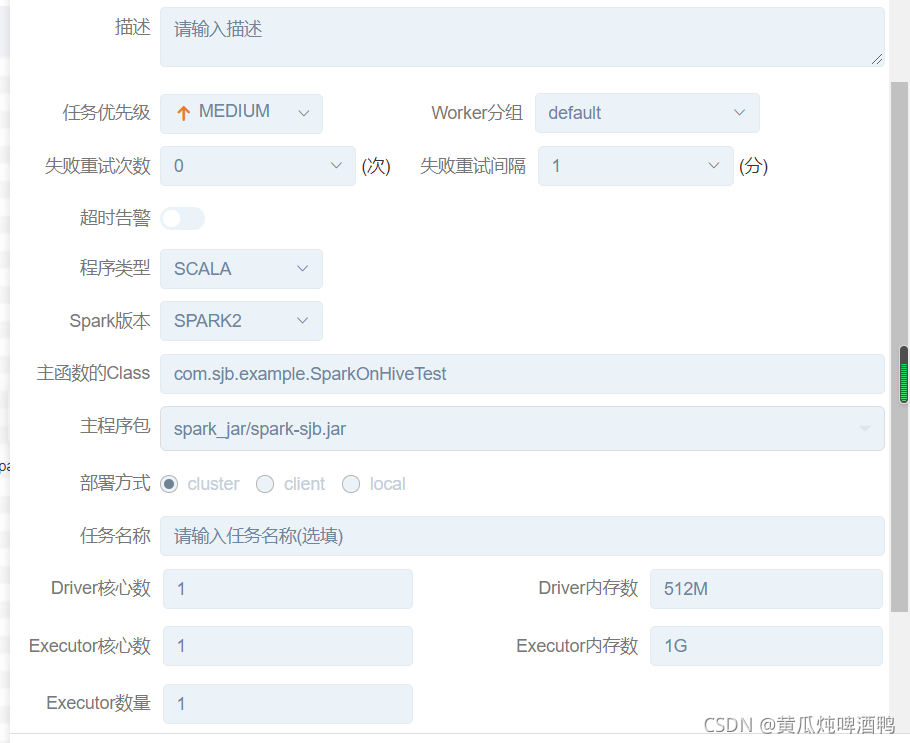
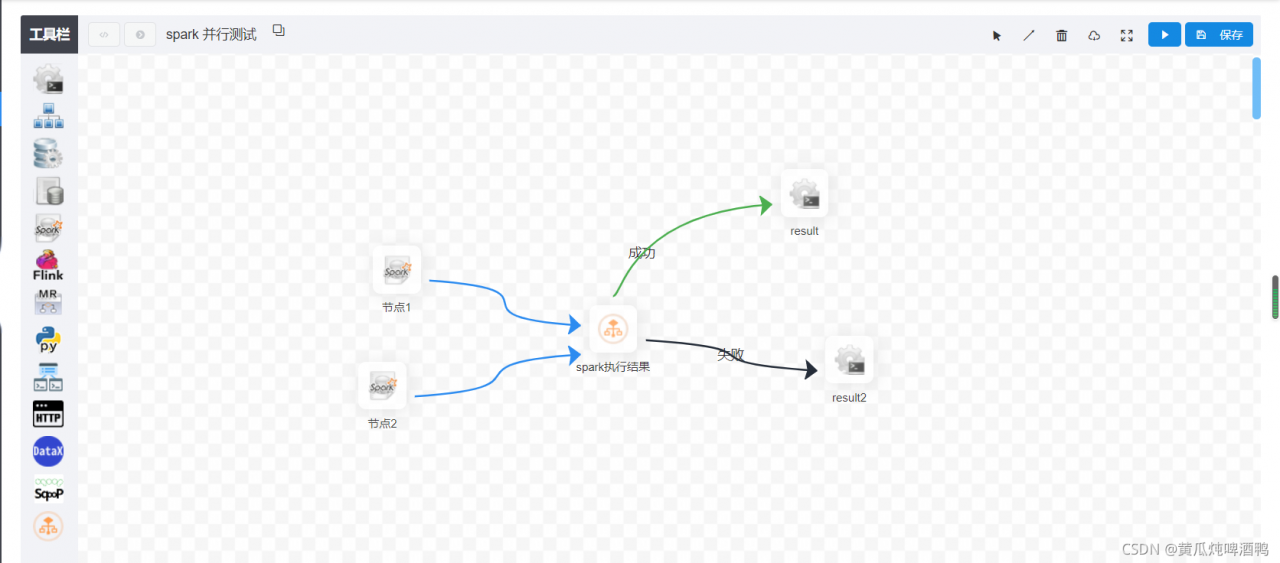
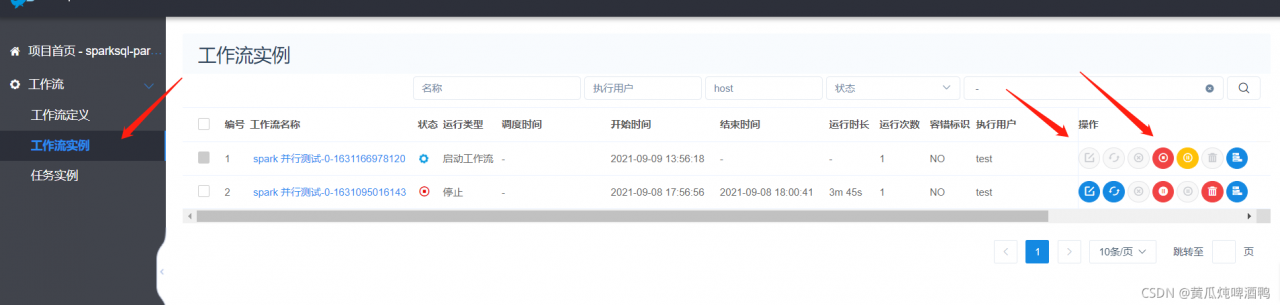
4,查询任务运行过程
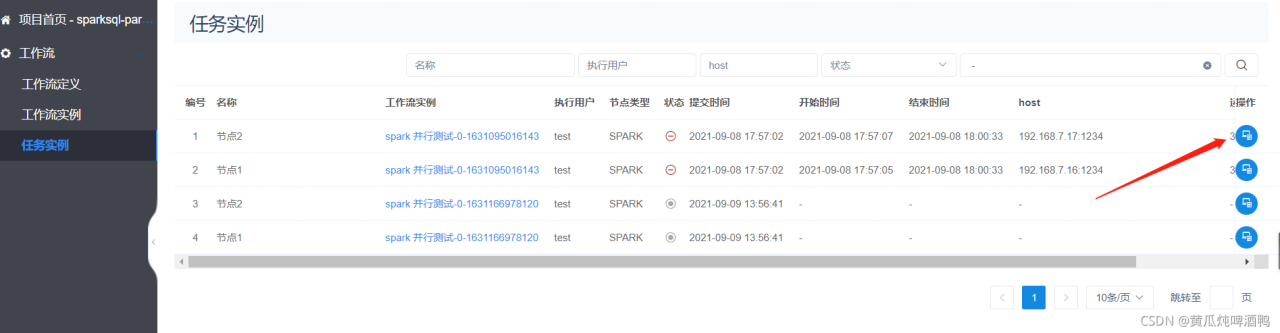
5,总结问题。
记得配置spark的环境变量,在海豚安装目录 :

传入参数分为3种:
主程序就是传入给main方法的参数,比如一个路径
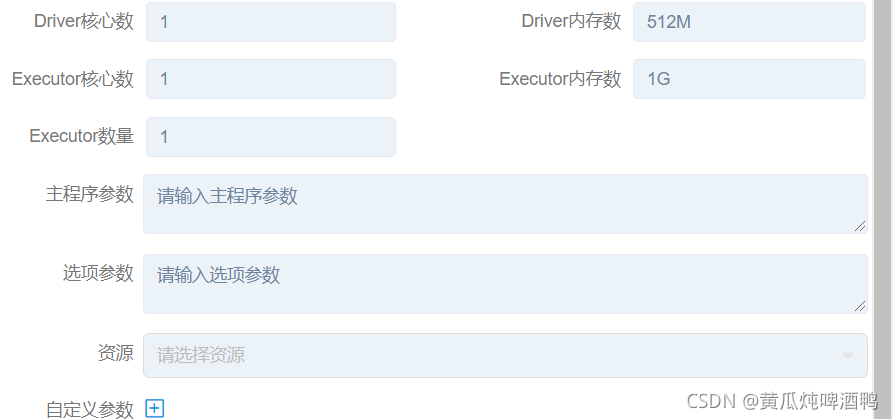
选型参数:就是系统参数,比如提交命令 --name xxx
自定义参数: 就是自己定义key 名称,然后在别的地方使用,在官网视频讲解 shell 脚本的案例的时候有提到。
6,未完待续
版权声明:本文为qq_31866793原创文章,遵循CC 4.0 BY-SA版权协议,转载请附上原文出处链接和本声明。