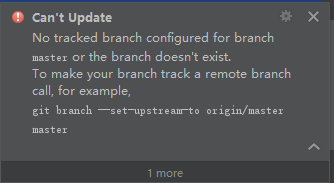
No tracked branch configured for branch master or the branch doesn’t exist.
错误:
解决办法:
按照提示在项目目录文件夹下输入git branch --set-upstream-to origin即可;
还不行的话输入 git branch --set-upstream-to origin/master
版权声明:本文为Monsterof原创文章,遵循CC 4.0 BY-SA版权协议,转载请附上原文出处链接和本声明。
错误:
解决办法:
按照提示在项目目录文件夹下输入git branch --set-upstream-to origin即可;
还不行的话输入 git branch --set-upstream-to origin/master