✨博文作者 wangzirui32
? 喜欢的可以 点赞 收藏 关注哦~~
?本文首发于CSDN,未经许可禁止转载
?Hello,大家好,我是wangzirui32,今天我们来学习如何美化自己的Github主页,开始学习吧!
如何自定义Github主页简介
登录Github账户,选择创建新的存储库: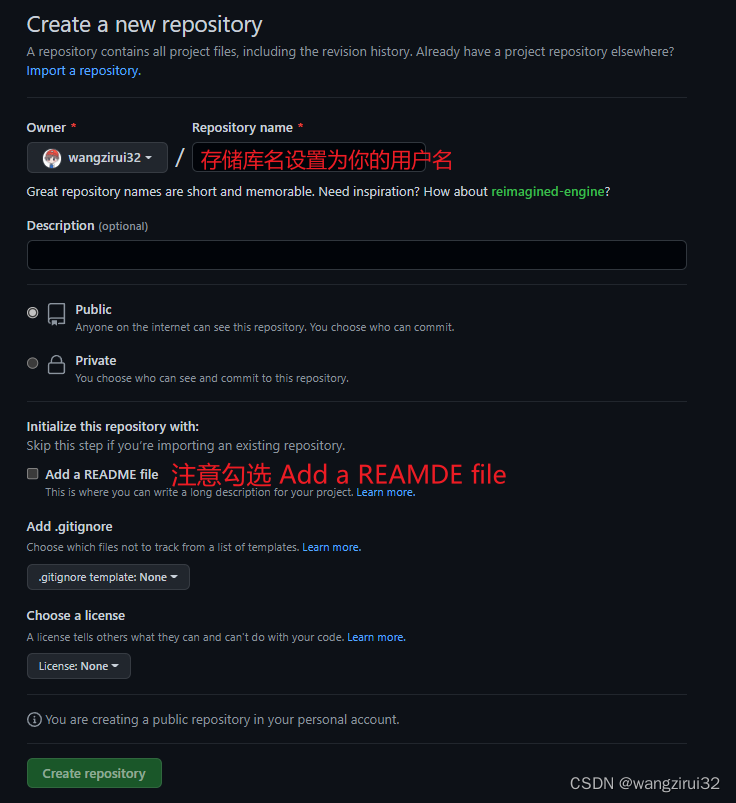
由于我已经创建过,这里不再演示。
然后,打开刚刚创建的项目,然后可以编辑自己的README.md来自定义主页简介,如下:
编辑使用的是Markdown语言,也兼容HTML,可以使用Emoji,编辑完提交即可,下面给大家推荐几个优秀的美化工具/网站,来看看吧!
美化工具&网站
1. shields.io
这个工具可以实现如下的徽标效果:
Markdown(HTML)代码:
<p>
<img src="https://img.shields.io/static/v1?label=Program&message=Python&color=blue"/>
<a href="你的CSDN主页链接"><img src="https://img.shields.io/static/v1?label=Blog&message=CSDN&color=red"/></a>
</p>
网站:https://shields.io/
你可以自定义颜色,内容,官网上有详细说明,再嵌套a标签即可实现点击跳转至对应网站的效果。
2. GitHub Readme Stats
这个项目可以让你的Github主页显示你的统计信息,十分酷炫,且可以自定义主题,效果如下:
代码(Markdown):

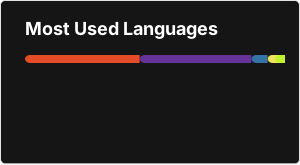
也可以显示语言统计,效果如下: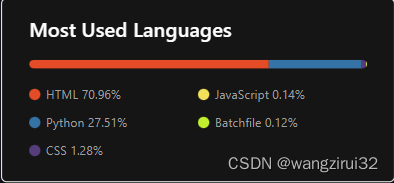
代码(Markdown):

Github项目地址:https://github.com/anuraghazra/github-readme-stats
3. visitor badge
可以实现显示访问量功能的组件,效果如下:
代码:
<img src="https://visitor-badge.glitch.me/badge?page_id=Github主页地址&right_color=red" />
官网:https://visitor-badge.glitch.me/
4. Github Readme Activity Graph
这个项目可以显示你的Github活动统计图,效果: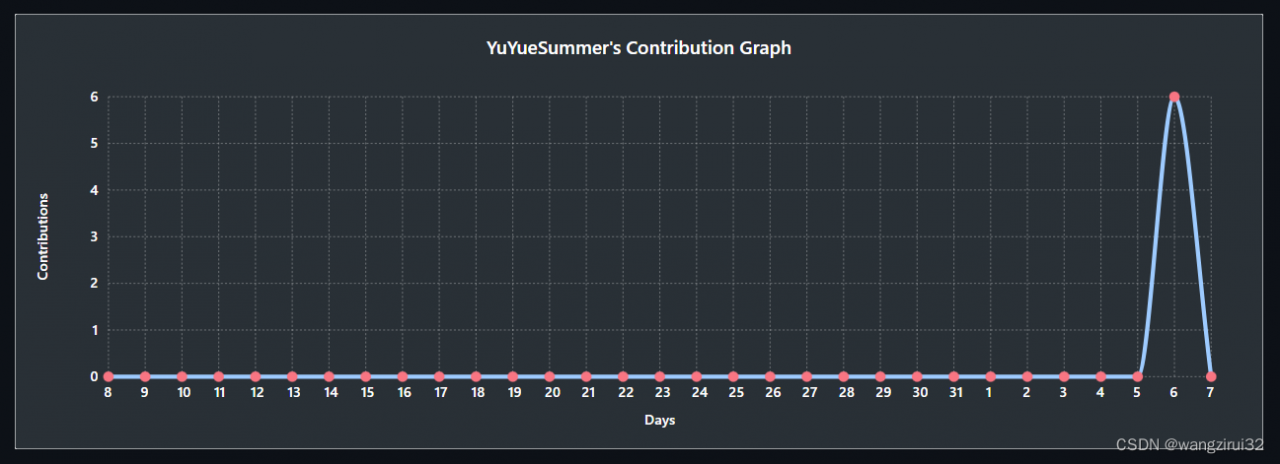
代码:

项目说明中给出了更多主题和样式,项目地址:https://github.com/Ashutosh00710/github-readme-activity-graph
5. stats-cards(网站数据卡片)
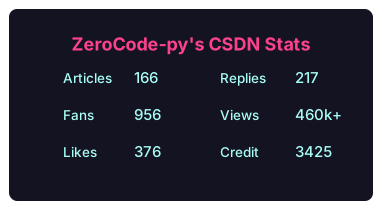
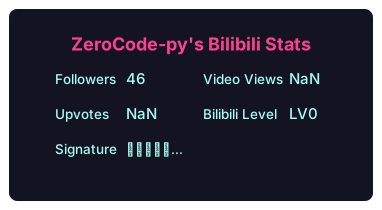
这个项目可以显示你其他平台的账户数据,效果如下: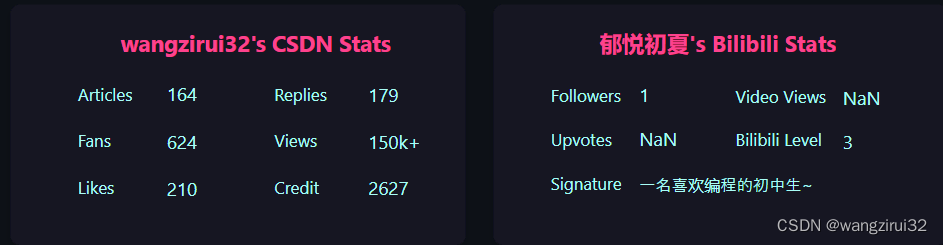
代码:
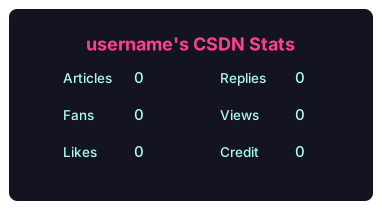
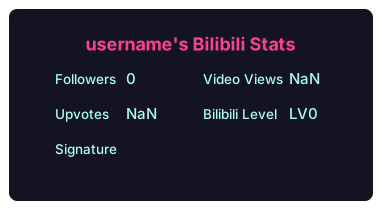
项目地址:https://github.com/songquanpeng/stats-cards
6. Readme Typing SVG
此项目可以实现文字动态输入输出效果,如下:
一会后,变为:
代码:
<img src="https://readme-typing-svg.herokuapp.com/?lines=消息1;消息2&font=Roboto" />
注意:消息中的空格要使用%20代替,否则网址会失效
如果觉得默认字体不好看,可以通过font参数设置字体(必须是谷歌字体,如Roboto)。
项目地址:https://github.com/DenverCoder1/readme-typing-svg
最终效果
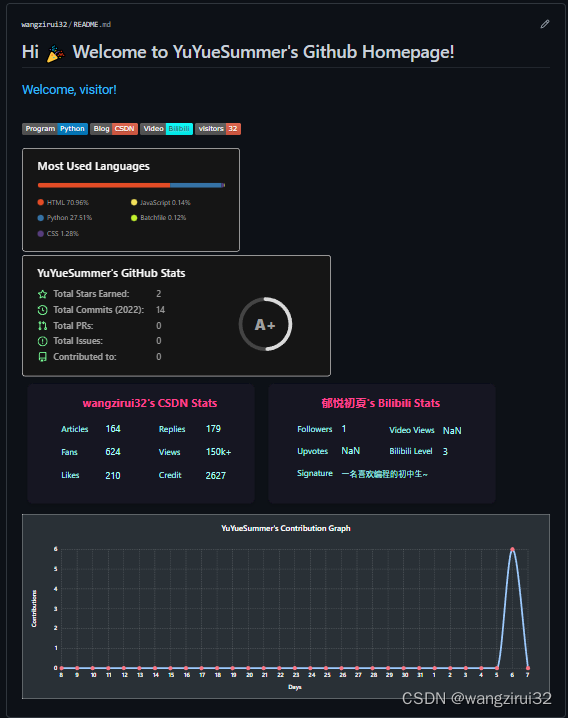
这是我设计的效果,源码:
# Hi ? Welcome to YuYueSummer's Github Homepage!
<img src="https://readme-typing-svg.herokuapp.com/?lines=Welcome,%20visitor!;Hello%20Github%20World!&font=Roboto" />
<p>
<img src="https://img.shields.io/static/v1?label=Program&message=Python&color=blue"/>
<a href="https://blog.csdn.net/wangzirui32"><img src="https://img.shields.io/static/v1?label=Blog&message=CSDN&color=red"/></a>
<a href="https://space.bilibili.com/1513364019"><img src="https://img.shields.io/static/v1?label=Video&message=Bilibili&color=cyan"/></a>
<img src="https://visitor-badge.glitch.me/badge?page_id=https://github.com/wangzirui32&right_color=red" />
</p>


??? 好了,今天的课程就到这里,我是wangzirui32,喜欢的可以点个收藏和关注,我们下次再见!