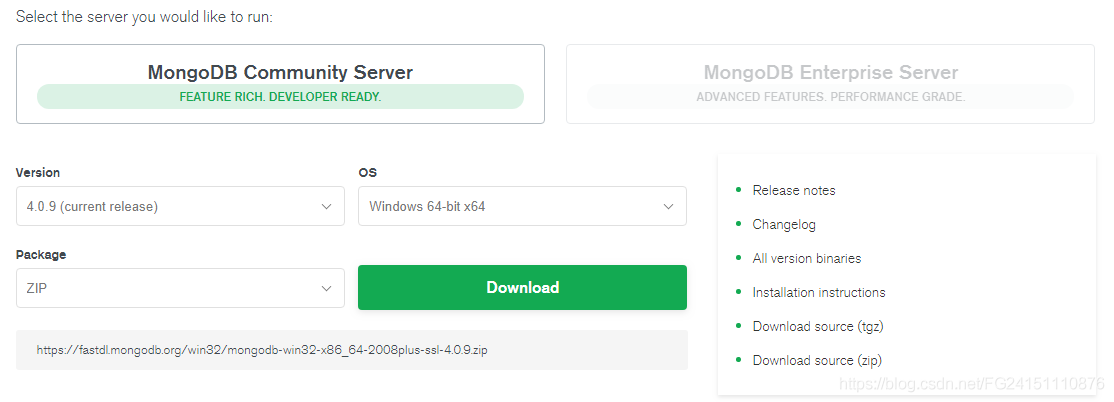
1、下载MongoDB
https://www.mongodb.com/download-center/community
2、解压到到指定目录(安装目录)
C:\Program Files\MongoDB\Server\bin
3、建立一个.bat文件添加如下代码
systemLog:
destination: file
path: "D:\MongoDB\log\mongod.log"
D:\程序缓存\MongoDB
logAppend: true
storage:
journal:
enabled: true
dbPath: "D:\MongoDB\data\"
net:
bindIp: 0.0.0.0
port: 27017
setParameter:
enableLocalhostAuthBypass: false
4、保存并运行.bat文件完成环境变量等的设置
5、在cmd输入如下命令,初始化数据库,以及安装服务
切换到解压目录的bin目录下再执行
mongod --bind_ip 0.0.0.0 --port 27017 --logpath D:\MongoDB\log\mongod.log --logappend --dbpath D:\MongoDB\data\db --serviceName "MongoDB" --serviceDisplayName "MongoDB" --install
mongod --bind_ip 0.0.0.0 --port 27017 --logpath D:\程序缓存\MongoDB\log\mongod.log --logappend --dbpath D:\程序缓存\MongoDB\data\ --serviceName "MongoDB" --serviceDisplayName "MongoDB" --install
6、启动服务
net start MongoDB
7、停止服务
net stop MongoDB
8、删除服务
sc delete MongoDB