有时候对于一个游戏对象,需要其沿着自身的坐标轴方向进行运动,那么首先如何获取自身的坐标轴方向?
获取自身的坐标轴方向可以通过transform组件进行获取(负方向加负号即可)
Vector3 moveDirection = transform.right; 获取自身的x轴的方向
Vector3 moveDirection = transform.forward; 获取自身的z轴的方向
Vector3 moveDirection = transform.up; 获取自身的y轴的方向
下面举例说明,假设在场景中创建一个Cylinder圆柱体对象,如下:
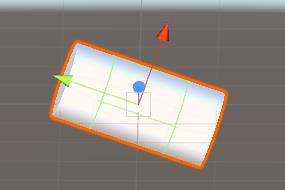
下面测试代码,使其沿着自身坐标x轴(即红色轴线)进行运动,脚本MoveControl代码如下:
using System.Collections;using System.Collections.Generic;using UnityEngine;public class MoveControl : MonoBehaviour {private float speed = 1.0f;// Use this for initializationvoid Start () {}// Update is called once per framevoid Update () {Vector3 moveDirection = transform.right;transform.position += moveDirection * Time.deltaTime * speed;// transform.Translate(Vector3.right * Time.deltaTime * speed, Space.Self);}}
下面将脚本添加到场景中的Cylinder对象,测试其运动如下:
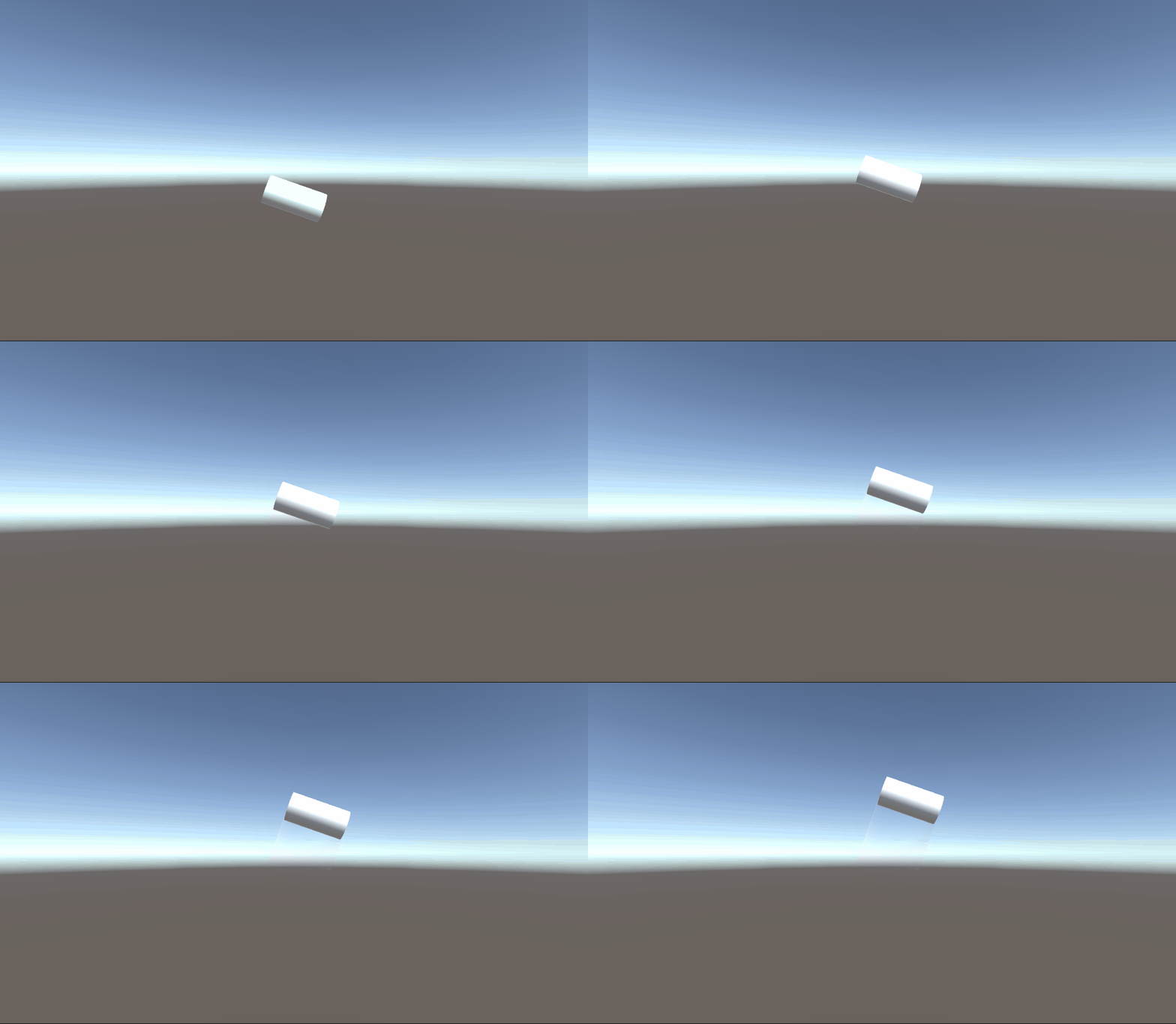
通过观察物体运动可知,正好符合我们的需求。
另外注意看我代码中标红的部分,还有另外一种方法,也可以实现沿着坐标轴的运动,代码如下:
using System.Collections;using System.Collections.Generic;using UnityEngine;public class MoveControl : MonoBehaviour {private float speed = 1.0f;// Use this for initializationvoid Start () {}// Update is called once per framevoid Update () {transform.Translate(Vector3.right * Time.deltaTime * speed, Space.Self);}}
即可以在平移函数里面,直接改变参考坐标系参数为Space.Self,经测试效果一样。