1、firstly, download the "ESP-IDF Windows Installer"
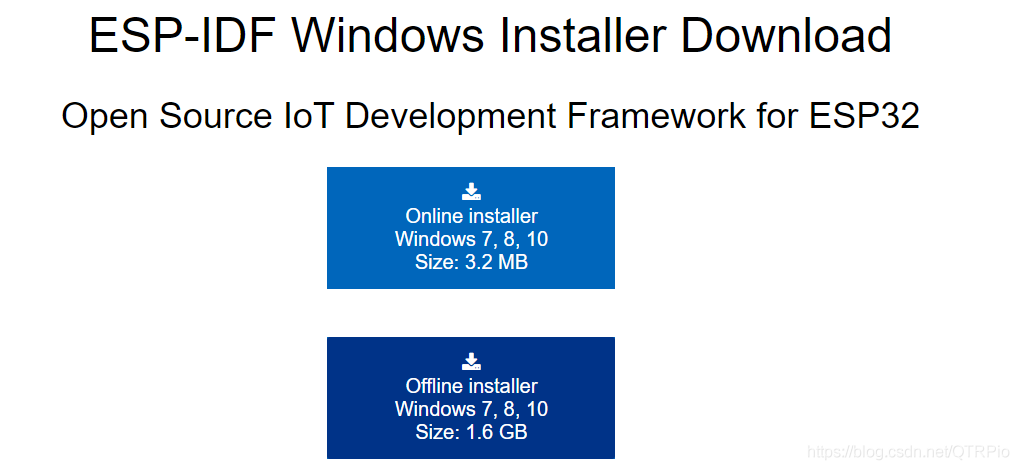
https://dl.espressif.com/dl/esp-idf/?idf=4.4
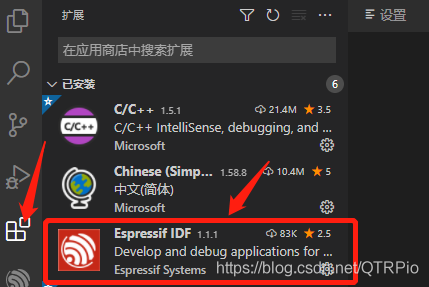
2、sencondly, open the vscode,and then "Ctrl + Shift + X", search the "ESP-IDF", and then install it
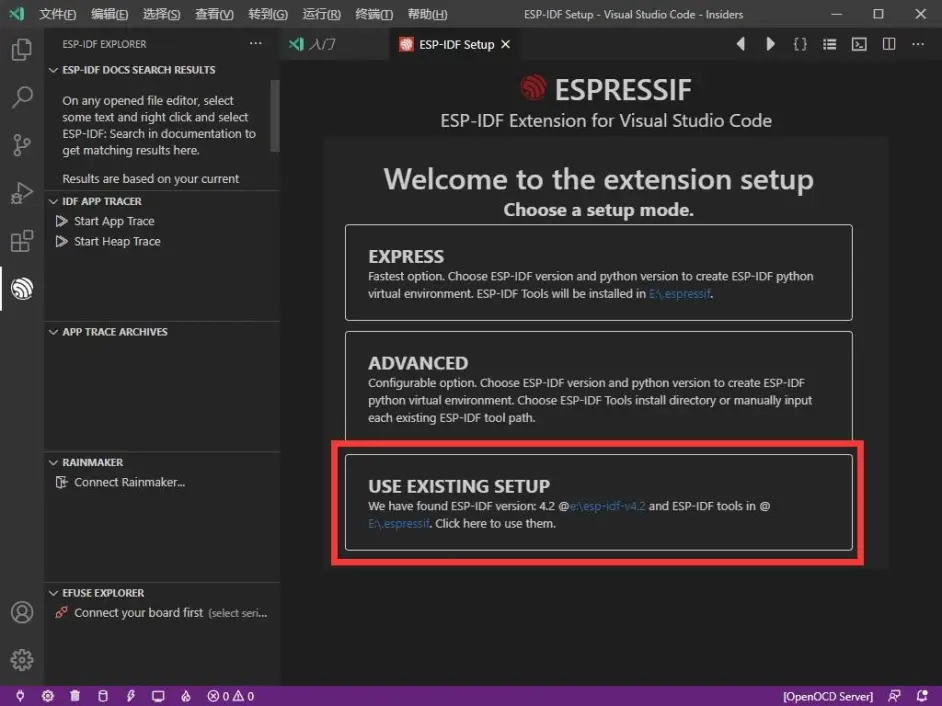
3、thirdly, “Ctrl + Shift + P”, and then search the "configure ESP-IDF", and then choose
"USE THE EXISTING SETUP"
4、fourthly,done!
版权声明:本文为QTRPio原创文章,遵循CC 4.0 BY-SA版权协议,转载请附上原文出处链接和本声明。