运行以下代码:
import csv
from matplotlib import pyplot as plt
from datetime import datetime
# 从文件中获取最高气温
filename = 'sitka_weather_07-2014.csv'
with open(filename) as f:
	reader = csv.reader(f)
	header_row = next(reader)
	highs = []
	dates = []
	for row in reader:
		current_date = datetime.strptime(row[0], '%Y-%m-%d')
		dates.append(current_date)
		high = int(row[1])
		highs.append(high)
	print(highs)
# 根据数据绘制图形
fig = plt.figure(dpi=64, figsize=(10,6))
plt.plot(dates, highs, c='red')
# 设置图形的格式
plt.title('Daily high temperatures, July 2014', fontsize=24)
plt.xlabel('', fontsize=16)
plt.ylabel('Temperature (F)', fontsize=16)
plt.tick_params(axis='both', which='major', labelsize=16)
plt.show()
输出的图形如下:
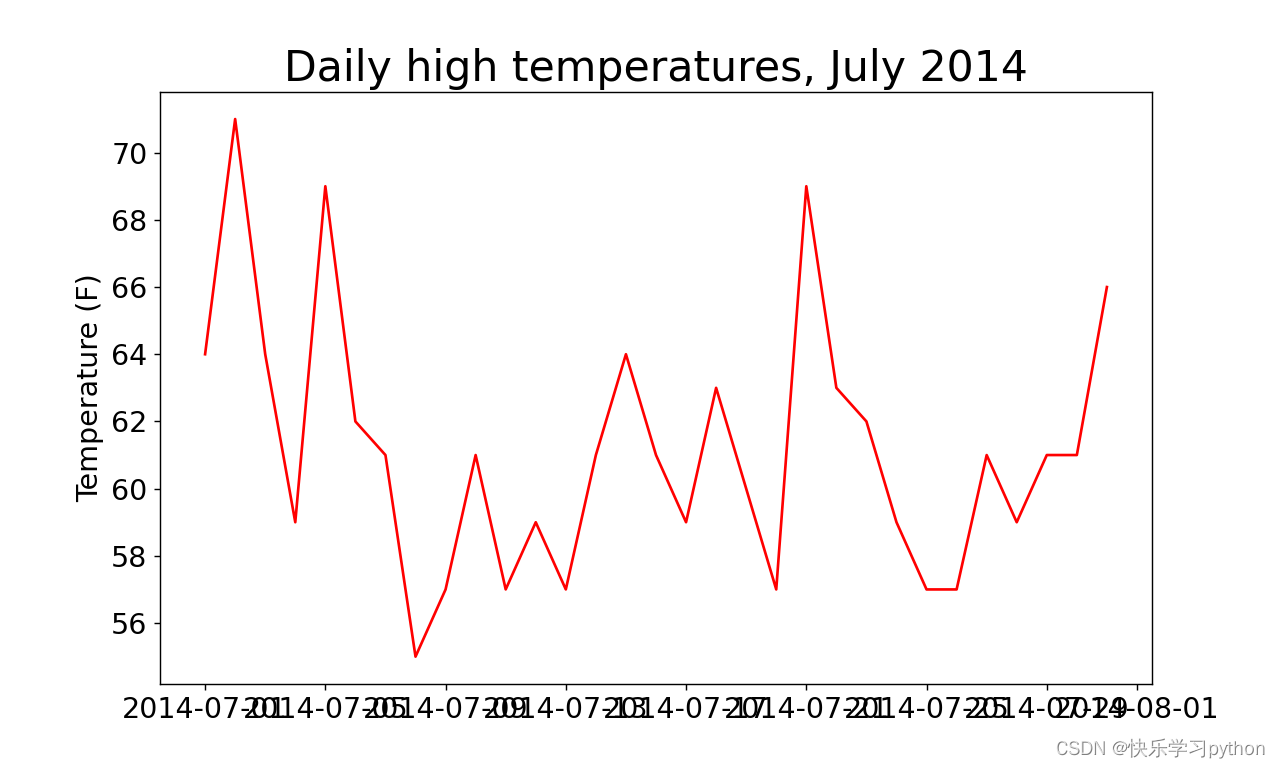
横坐标名称由于太长出现了重叠,这时可以通过旋转横坐标名称达到展示横坐标的效果。
通过以下函数均可实现:
(1)plt.xticks(rotation=30) # 横坐标名称旋转30度
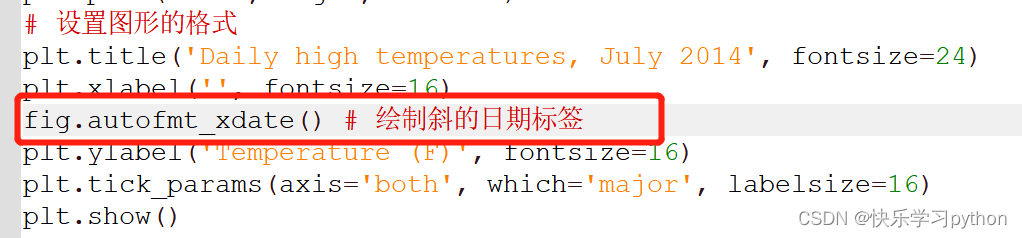
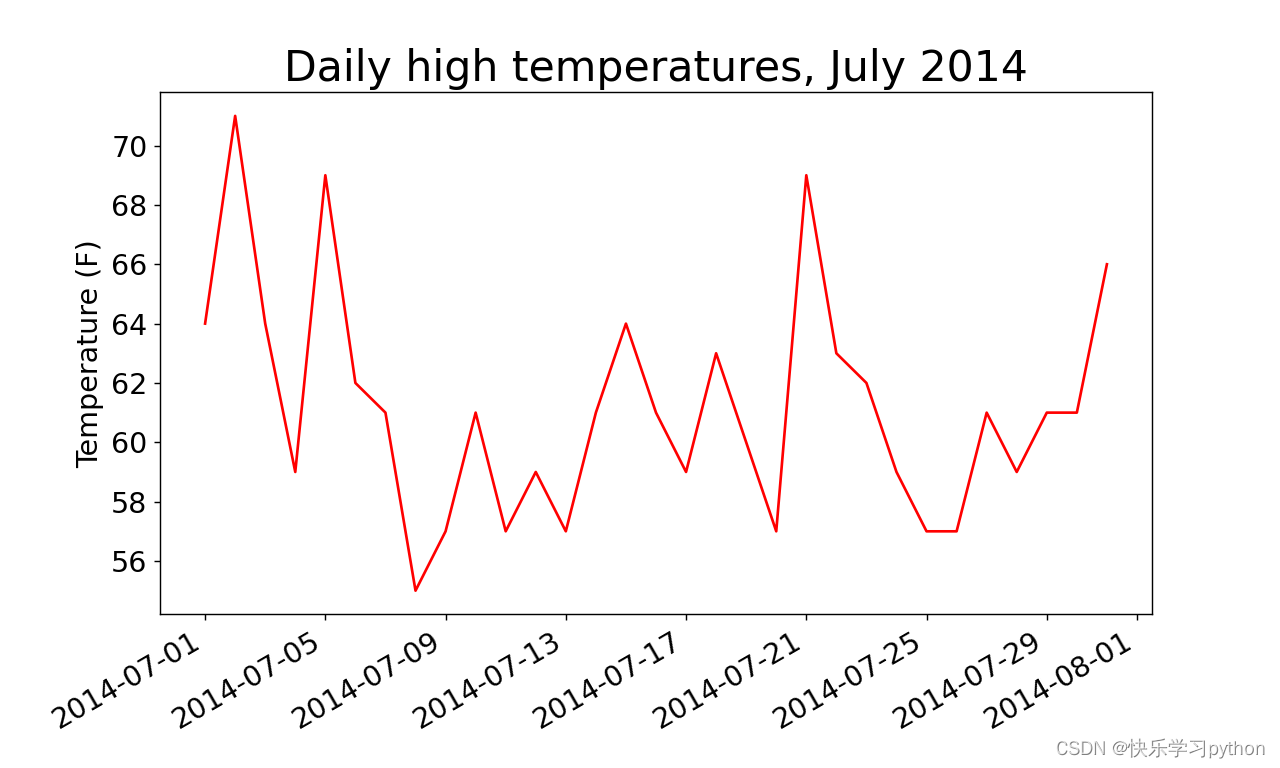
(2)fig.autofmt_xdate() # 绘制斜的日期标签
添加了fig.autofmt_xdate()代码后,达到的效果如下:
版权声明:本文为m0_60649037原创文章,遵循CC 4.0 BY-SA版权协议,转载请附上原文出处链接和本声明。