文章目录
- iOS极光分享集成图文教程
- 1. 极光官网 iOS SDK 集成指南
- 2. Xcode创建项目, 获取Bundle Identifier
- 3. 极光平台应用管理创建应用, 申请appkey
- 4. Xcode工程,pod导入库, noidfa版本即可
- 5. 创建极光分享管理类JShareManage处理
- 6. Appdelegate处理
- 7. ATS网络请求设置
- 8. 隐私设置, 因为可能涉及到图片和音频分享, 无需求可以不设置
- 9. 白名单添加, 用于分享时, app之间跳转
- 10. URL Types, 用于分享后返回当前App
- 11. 将demo的UI资源拖过来, 界面没有显示问题IBOutlet的XIB问题
- 12.测试分享到QQ
- 13. 自此, iOS极光分享集成大功告成
iOS极光分享集成图文教程
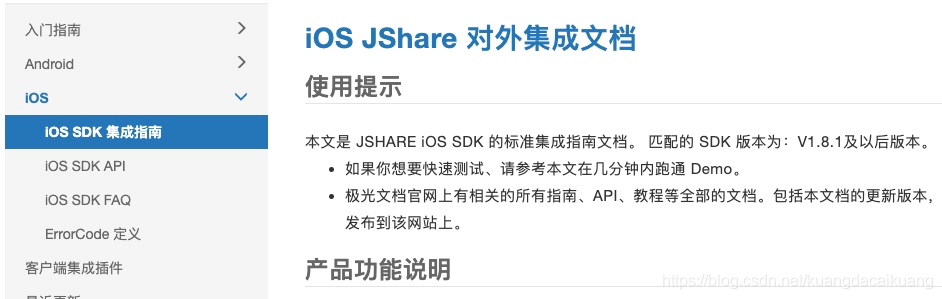
1. 极光官网 iOS SDK 集成指南
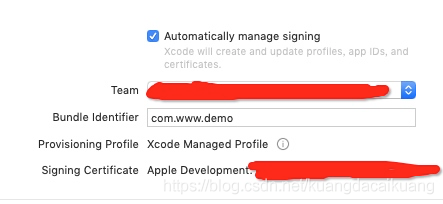
2. Xcode创建项目, 获取Bundle Identifier

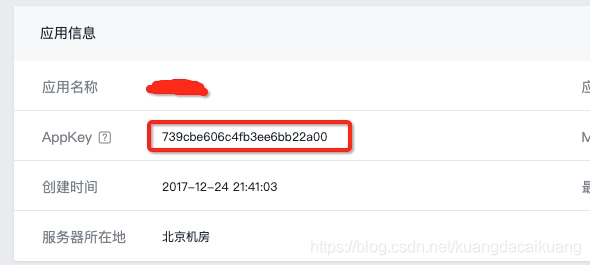
3. 极光平台应用管理创建应用, 申请appkey
![[外链图片转存失败,源站可能有防盗链机制,建议将图片保存下来直接上传(img-FXQdocYF-1579180582641)(media/15790565593493/15790568794494.jpg)]](https://code84.com/wp-content/uploads/2022/09/202001162118280.png)
4. Xcode工程,pod导入库, noidfa版本即可
然后执行pod install安装即可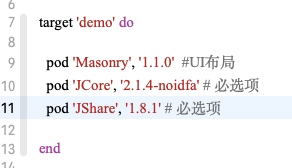
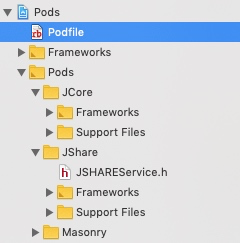
5. 创建极光分享管理类JShareManage处理
切记, 正式环境, 一定要在各类第三方平台申请对应的key和sercet, 否者测试时有可能分享失败, 或者分享无回调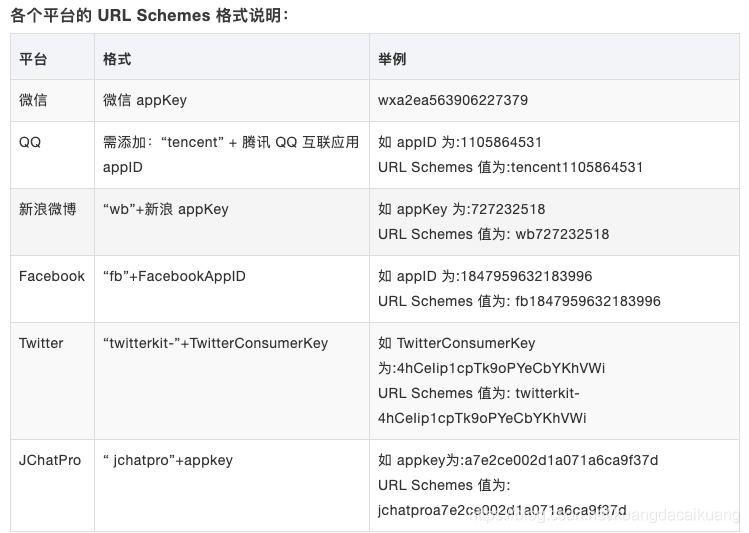
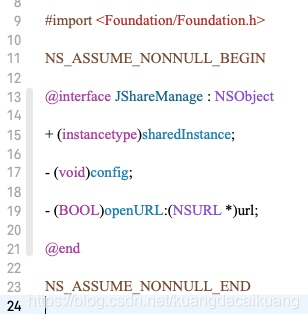
#import <Foundation/Foundation.h>

NS_ASSUME_NONNULL_BEGIN

@interface JShareManage : NSObject

+ (instancetype)sharedInstance;

- (void)config;

- (BOOL)openURL:(NSURL *)url;

@end

NS_ASSUME_NONNULL_END
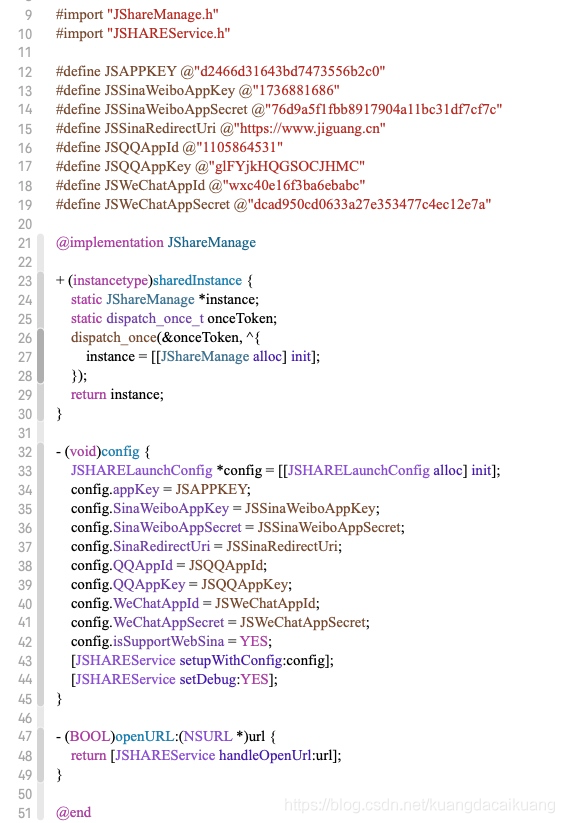
#import "JShareManage.h"
#import "JSHAREService.h"

#define JSAPPKEY @"d2466d31643bd7473556b2c0"
#define JSSinaWeiboAppKey @"1736881686"
#define JSSinaWeiboAppSecret @"76d9a5f1fbb8917904a11bc31df7cf7c"
#define JSSinaRedirectUri @"https://www.jiguang.cn"
#define JSQQAppId @"1105864531"
#define JSQQAppKey @"glFYjkHQGSOCJHMC"
#define JSWeChatAppId @"wxc40e16f3ba6ebabc"
#define JSWeChatAppSecret @"dcad950cd0633a27e353477c4ec12e7a"

@implementation JShareManage

+ (instancetype)sharedInstance {
    static JShareManage *instance;
    static dispatch_once_t onceToken;
    dispatch_once(&onceToken, ^{
        instance = [[JShareManage alloc] init];
    });
    return instance;
}

- (void)config {
    JSHARELaunchConfig *config = [[JSHARELaunchConfig alloc] init];
    config.appKey = JSAPPKEY;
    config.SinaWeiboAppKey = JSSinaWeiboAppKey;
    config.SinaWeiboAppSecret = JSSinaWeiboAppSecret;
    config.SinaRedirectUri = JSSinaRedirectUri;
    config.QQAppId = JSQQAppId;
    config.QQAppKey = JSQQAppKey;
    config.WeChatAppId = JSWeChatAppId;
    config.WeChatAppSecret = JSWeChatAppSecret;
    config.isSupportWebSina = YES;
    [JSHAREService setupWithConfig:config];
    [JSHAREService setDebug:YES];
}

- (BOOL)openURL:(NSURL *)url {
    return [JSHAREService handleOpenUrl:url];
}

@end
6. Appdelegate处理
引入JShareManage.h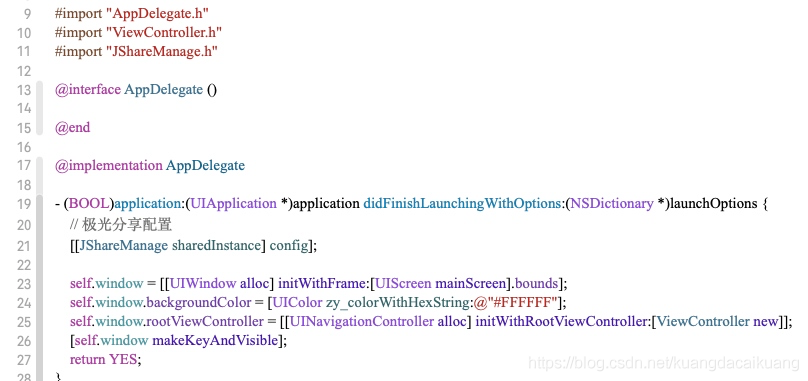
回调处理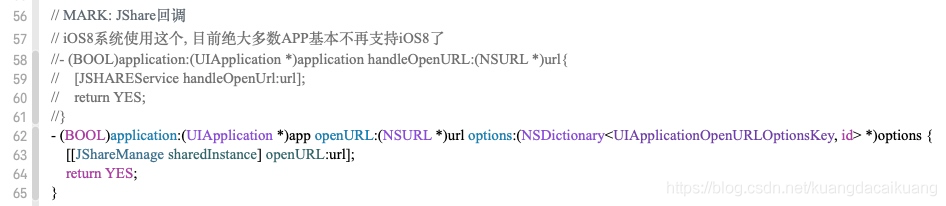
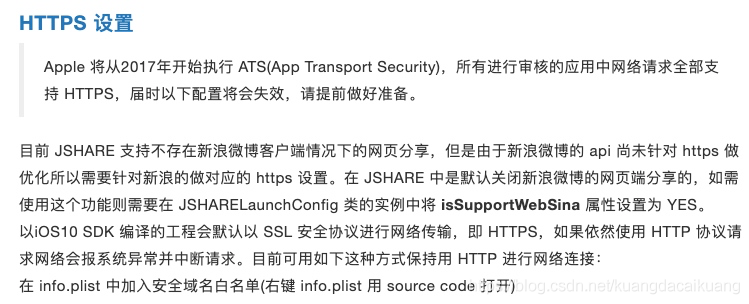
7. ATS网络请求设置
info.plist文件, 点击+增加App Transport Security Settings对应类型为Dictionary, 下面增加Allow Arbitrary Loads对应类型为Boolean, 值为YES

8. 隐私设置, 因为可能涉及到图片和音频分享, 无需求可以不设置

9. 白名单添加, 用于分享时, app之间跳转
plist文件添加LSApplicationQueriesSchemes对应类型为Array, 然后添加对应分享支持类型即可, 国内一般选择QQ, 微信和微博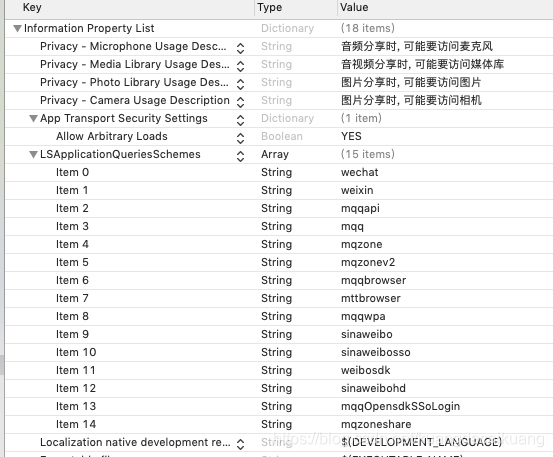
10. URL Types, 用于分享后返回当前App
在info里的URL Types中点击+添加即可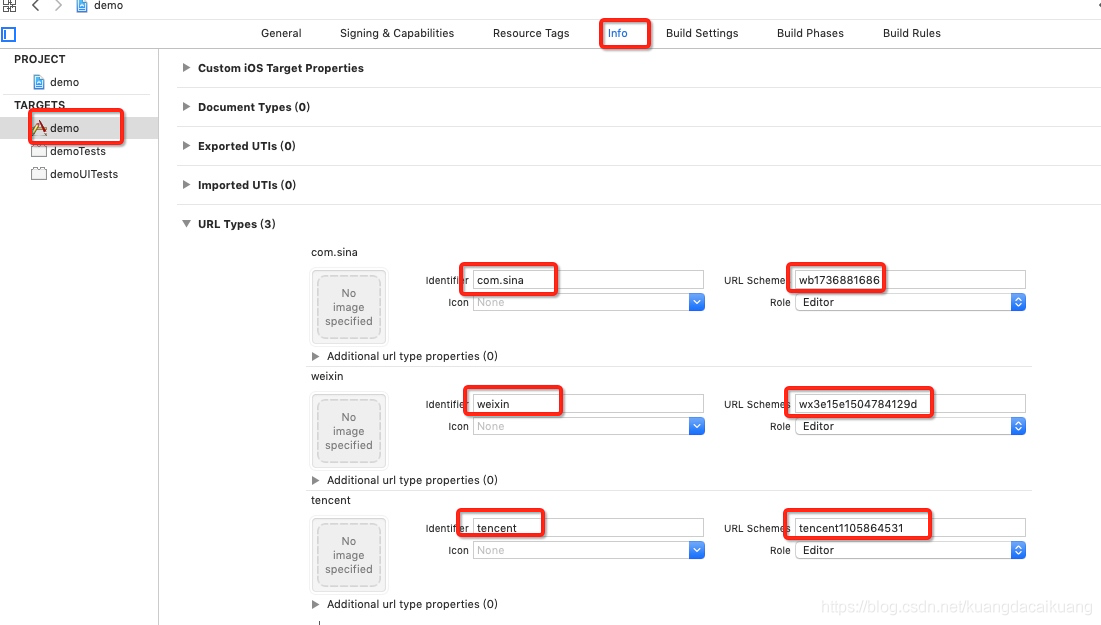
11. 将demo的UI资源拖过来, 界面没有显示问题IBOutlet的XIB问题
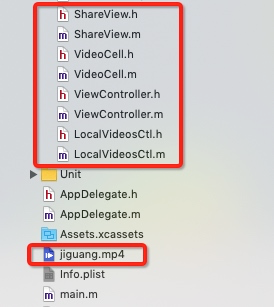
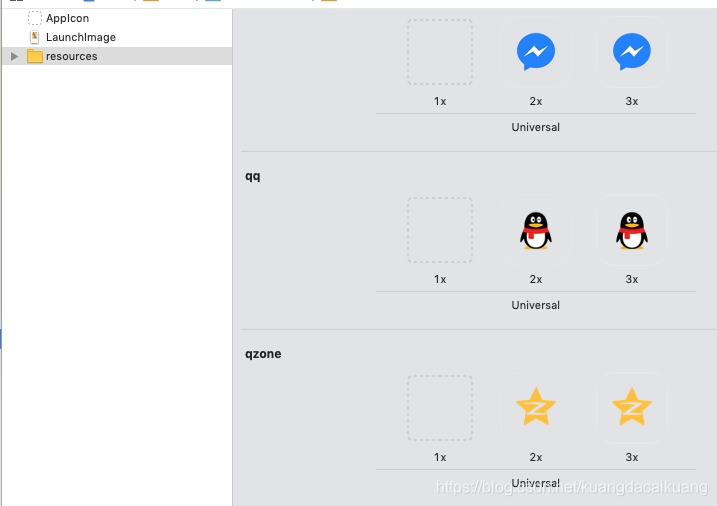
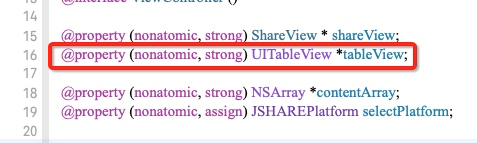
运行编译demo, 会发现界面空白, 没有任何东西, 因为demo中的ViewController中的tableView是XIB形式连线过来的, 拖入工程后, 没有对应的XIB了, 所以去掉XIB关联, 纯代码创建
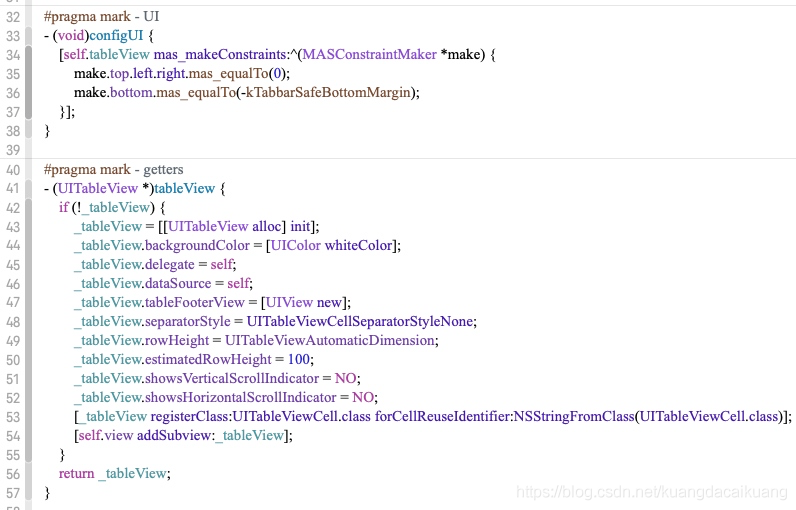
#pragma mark - UI
- (void)configUI {
    [self.tableView mas_makeConstraints:^(MASConstraintMaker *make) {
        make.top.left.right.mas_equalTo(0);
        make.bottom.mas_equalTo(-kTabbarSafeBottomMargin);
    }];
}

#pragma mark - getters
- (UITableView *)tableView {
    if (!_tableView) {
        _tableView = [[UITableView alloc] init];
        _tableView.backgroundColor = [UIColor whiteColor];
        _tableView.delegate = self;
        _tableView.dataSource = self;
        _tableView.tableFooterView = [UIView new];
        _tableView.separatorStyle = UITableViewCellSeparatorStyleNone;
        _tableView.rowHeight = UITableViewAutomaticDimension;
        _tableView.estimatedRowHeight = 100;
        _tableView.showsVerticalScrollIndicator = NO;
        _tableView.showsHorizontalScrollIndicator = NO;
        [_tableView registerClass:UITableViewCell.class forCellReuseIdentifier:NSStringFromClass(UITableViewCell.class)];
        [self.view addSubview:_tableView];
    }
    return _tableView;
}
运行效果图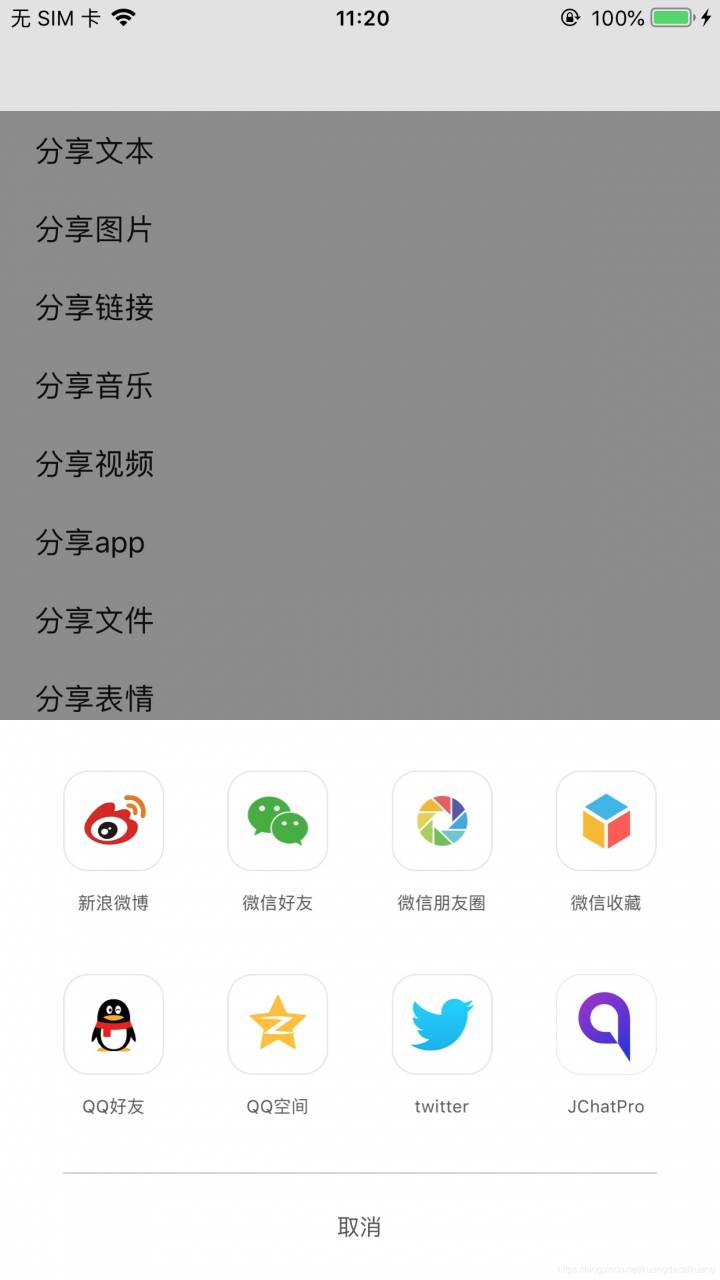
12.测试分享到QQ
分享文本到QQ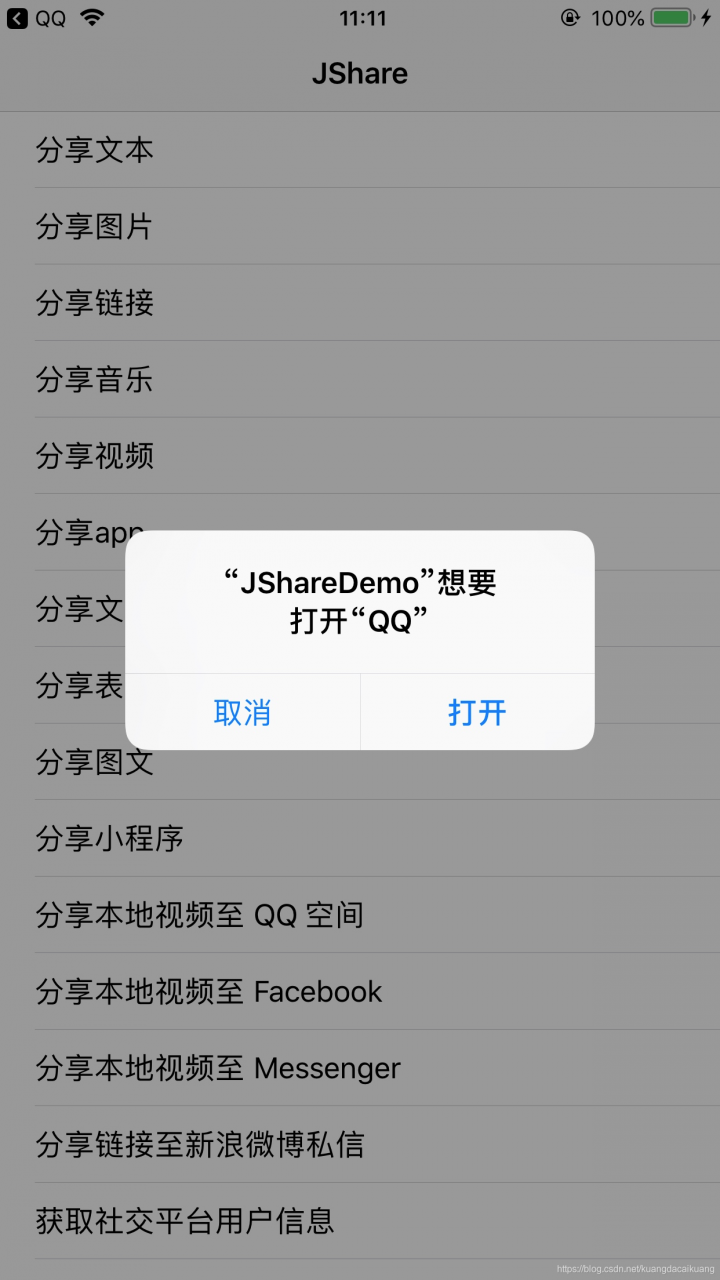
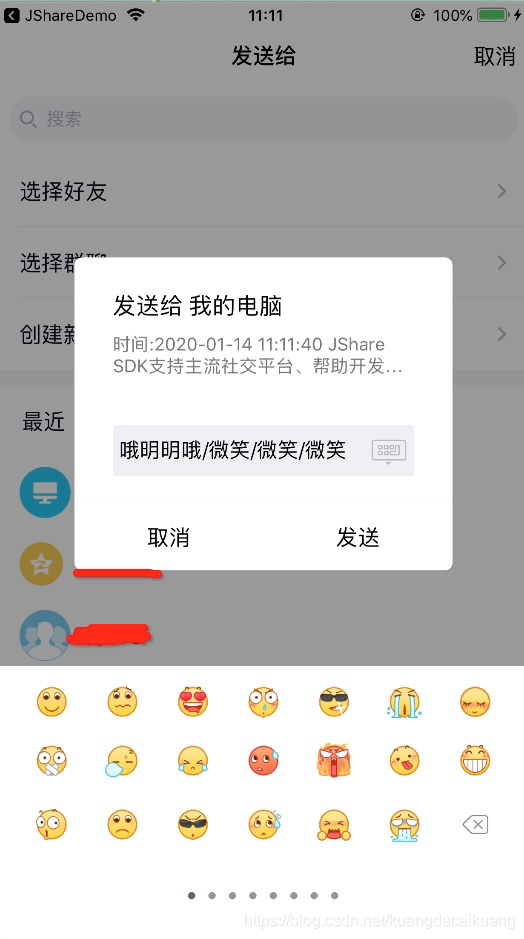
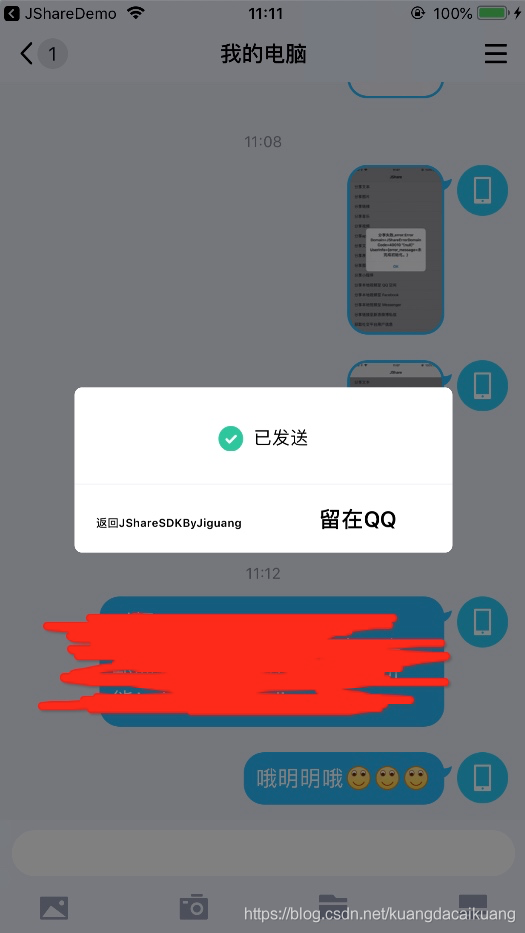
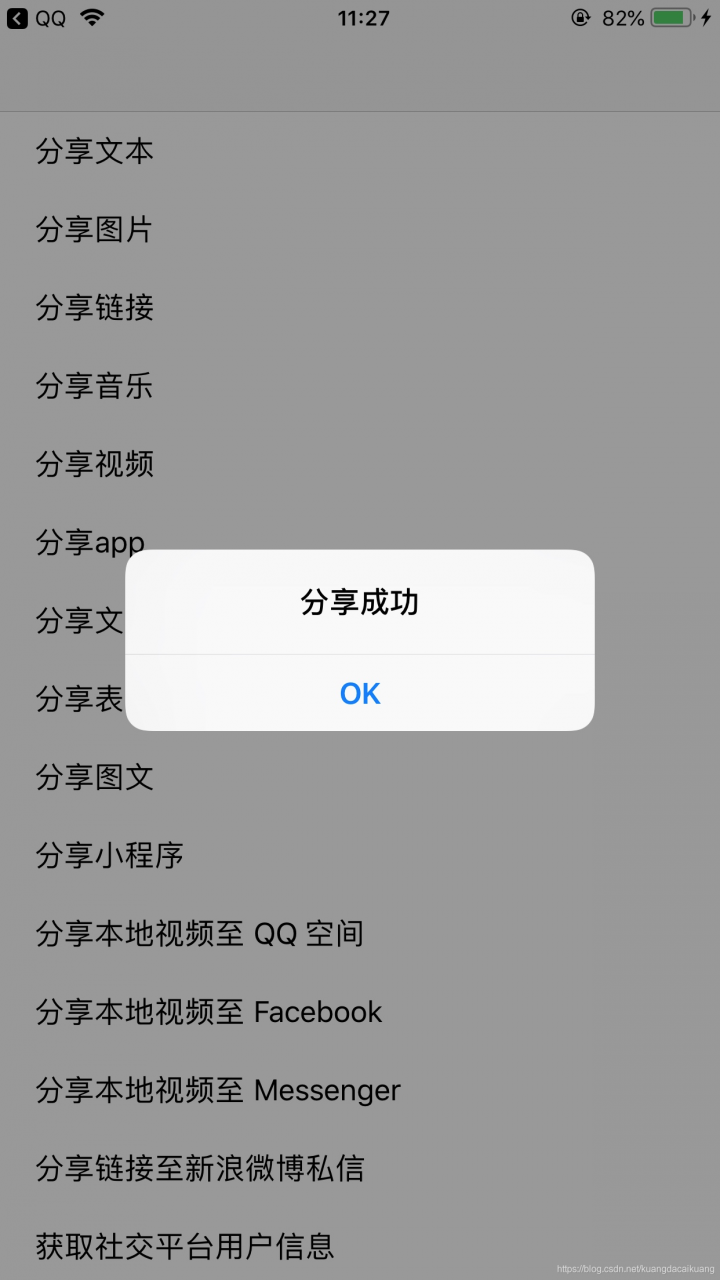
分享成功
13. 自此, iOS极光分享集成大功告成
如有集成式遇到的问题, 请联系本人QQ: 1512450002
版权声明:本文为kuangdacaikuang原创文章,遵循CC 4.0 BY-SA版权协议,转载请附上原文出处链接和本声明。