提权简介
在渗透过程中,通过各种方式获取到一枚cmdshell,但是这个cmdshell的权限相对比较低,无法让我们做我们想做的事情,
比如获取系统密码,比如获取数据库信息,比如拿到服务器中的另一个站点的权限那么这个时候就需要对当前的cmdshell进行权限的提升,整个过程叫:权限提升,简称提权
信息搜集
假设我们现在已经获取到了一枚WebShell,我们需要对目标进行信息收集
查看当前系统版本
ver //查看当前系统版本
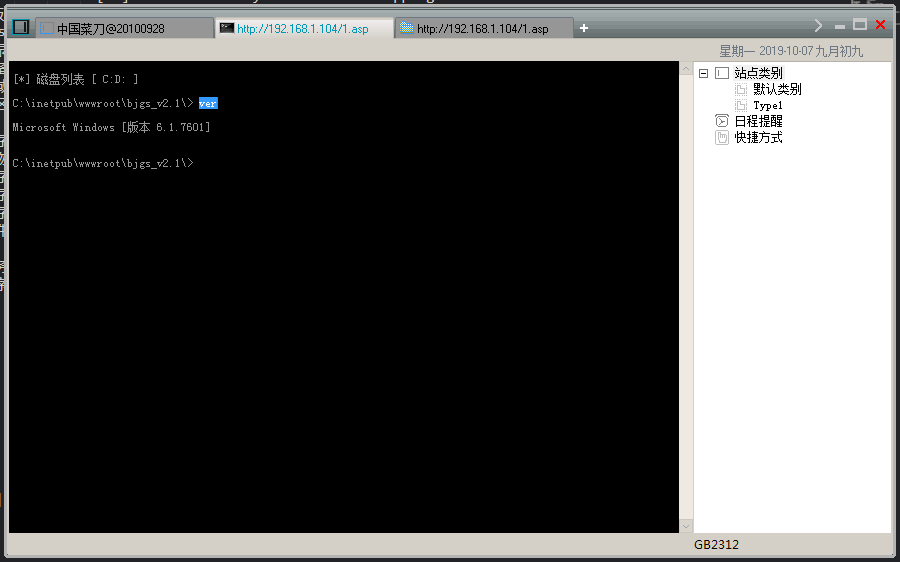
1 2 3 | C:\inetpub\wwwroot\bjgs_v2.1\> ver Microsoft Windows [版本 6.1.7601] |
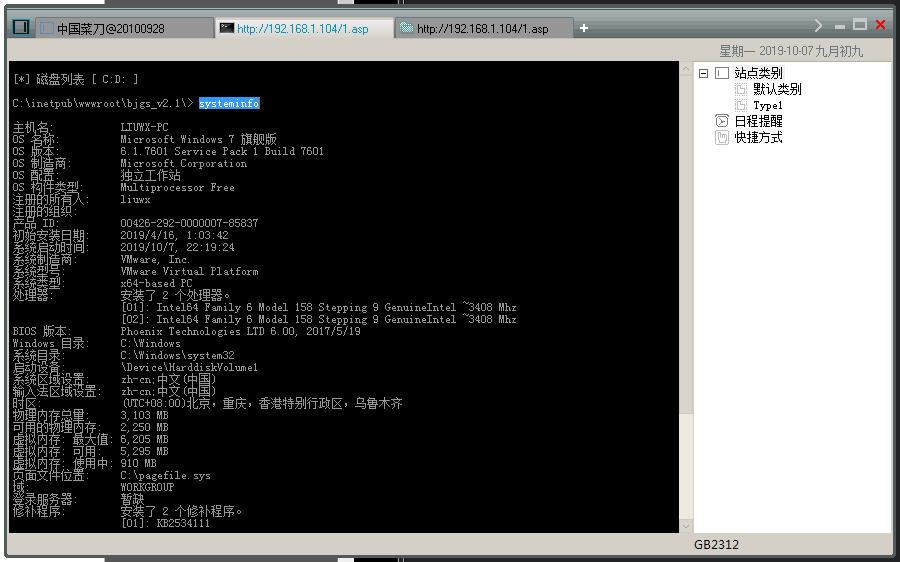
systeminfo //则查看的信息就比较详细
1 2 3 4 5 6 7 8 9 10 11 12 13 14 15 16 17 18 19 20 21 22 23 24 25 26 27 28 29 30 31 32 33 34 35 36 37 38 39 40 41 42 43 44 45 | C:\inetpub\wwwroot\bjgs_v2.1\> systeminfo
主机名: LIUWX-PC
OS 名称: Microsoft Windows 7 旗舰版
OS 版本: 6.1.7601 Service Pack 1 Build 7601
OS 制造商: Microsoft Corporation
OS 配置: 独立工作站
OS 构件类型: Multiprocessor Free
注册的所有人: liuwx
注册的组织:
产品 ID: 00426-292-0000007-85837
初始安装日期: 2019/4/16, 1:03:42
系统启动时间: 2019/10/7, 22:19:24
系统制造商: VMware, Inc.
系统型号: VMware Virtual Platform
系统类型: x64-based PC
处理器: 安装了 2 个处理器。
[01]: Intel64 Family 6 Model 158 Stepping 9 GenuineIntel ~3408 Mhz
[02]: Intel64 Family 6 Model 158 Stepping 9 GenuineIntel ~3408 Mhz
BIOS 版本: Phoenix Technologies LTD 6.00, 2017/5/19
Windows 目录: C:\Windows
系统目录: C:\Windows\system32
启动设备: \Device\HarddiskVolume1
系统区域设置: zh-cn;中文(中国)
输入法区域设置: zh-cn;中文(中国)
时区: (UTC+08:00)北京,重庆,香港特别行政区,乌鲁木齐
物理内存总量: 3,103 MB
可用的物理内存: 2,250 MB
虚拟内存: 最大值: 6,205 MB
虚拟内存: 可用: 5,295 MB
虚拟内存: 使用中: 910 MB
页面文件位置: C:\pagefile.sys
域: WORKGROUP
登录服务器: 暂缺
修补程序: 安装了 2 个修补程序。
[01]: KB2534111
[02]: KB976902
网卡: 安装了 1 个 NIC。
[01]: Intel(R) PRO/1000 MT Network Connection
连接名: 本地连接
启用 DHCP: 是
DHCP 服务器: 192.168.1.1
IP 地址
[01]: 192.168.1.104
[02]: fe80::10d5:df24:e351:af59
|
查看开放的端口
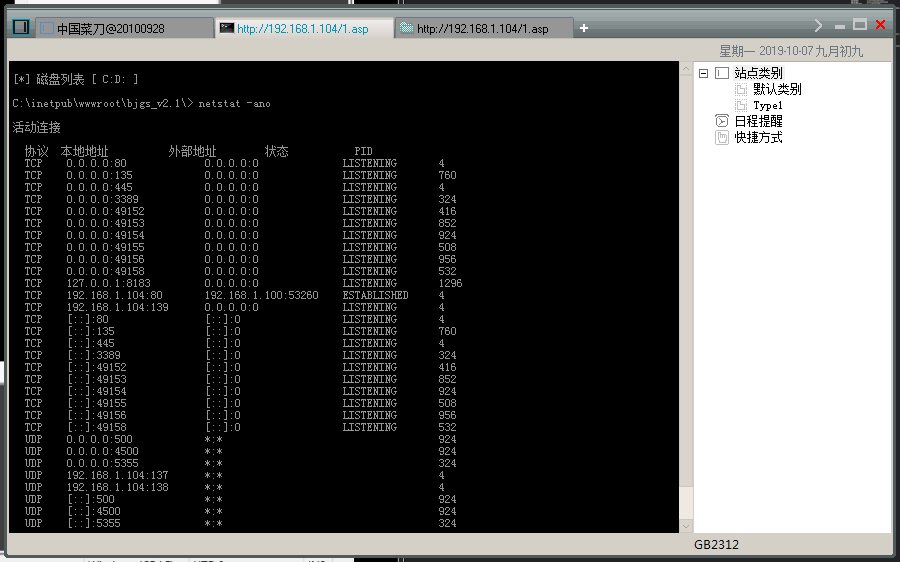
netstat -ano //查看当前开发的端口
1 2 3 4 5 6 7 8 9 10 11 12 13 14 15 16 17 18 19 20 21 22 23 24 25 26 27 28 29 30 31 32 33 34 35 36 | C:\inetpub\wwwroot\bjgs_v2.1\> netstat -ano 活动连接 协议 本地地址 外部地址 状态 PID TCP 0.0.0.0:80 0.0.0.0:0 LISTENING 4 TCP 0.0.0.0:135 0.0.0.0:0 LISTENING 760 TCP 0.0.0.0:445 0.0.0.0:0 LISTENING 4 TCP 0.0.0.0:3389 0.0.0.0:0 LISTENING 324 TCP 0.0.0.0:49152 0.0.0.0:0 LISTENING 416 TCP 0.0.0.0:49153 0.0.0.0:0 LISTENING 852 TCP 0.0.0.0:49154 0.0.0.0:0 LISTENING 924 TCP 0.0.0.0:49155 0.0.0.0:0 LISTENING 508 TCP 0.0.0.0:49156 0.0.0.0:0 LISTENING 956 TCP 0.0.0.0:49158 0.0.0.0:0 LISTENING 532 TCP 127.0.0.1:8183 0.0.0.0:0 LISTENING 1296 TCP 192.168.1.104:80 192.168.1.100:53260 ESTABLISHED 4 TCP 192.168.1.104:139 0.0.0.0:0 LISTENING 4 TCP [::]:80 [::]:0 LISTENING 4 TCP [::]:135 [::]:0 LISTENING 760 TCP [::]:445 [::]:0 LISTENING 4 TCP [::]:3389 [::]:0 LISTENING 324 TCP [::]:49152 [::]:0 LISTENING 416 TCP [::]:49153 [::]:0 LISTENING 852 TCP [::]:49154 [::]:0 LISTENING 924 TCP [::]:49155 [::]:0 LISTENING 508 TCP [::]:49156 [::]:0 LISTENING 956 TCP [::]:49158 [::]:0 LISTENING 532 UDP 0.0.0.0:500 *:* 924 UDP 0.0.0.0:4500 *:* 924 UDP 0.0.0.0:5355 *:* 324 UDP 192.168.1.104:137 *:* 4 UDP 192.168.1.104:138 *:* 4 UDP [::]:500 *:* 924 UDP [::]:4500 *:* 924 UDP [::]:5355 *:* 324 |
查看当前系统启动的防护软件
net start //查看正在运行的服务列表
1 2 3 4 5 6 7 8 9 10 11 12 13 14 15 16 17 18 19 20 21 22 23 24 25 26 27 28 29 30 31 32 33 34 35 36 37 38 39 40 41 42 43 44 45 46 47 48 49 50 51 52 53 54 55 56 57 58 59 60 61 62 63 64 65 66 67 68 69 | C:\inetpub\wwwroot\bjgs_v2.1\> net start 已经启动以下 Windows 服务: Acunetix WVS Scheduler Application Experience Application Host Helper Service Application Information Base Filtering Engine Certificate Propagation COM+ Event System COM+ System Application Computer Browser Cryptographic Services DCOM Server Process Launcher Desktop Window Manager Session Manager DHCP Client Diagnostic Policy Service Diagnostic Service Host Diagnostic System Host Distributed Link Tracking Client Distributed Transaction Coordinator DNS Client Group Policy Client IIS Admin Service IKE and AuthIP IPsec Keying Modules IP Helper IPsec Policy Agent Microsoft FTP Service Network Connections Network List Service Network Location Awareness Network Store Interface Service Offline Files Plug and Play Power Print Spooler Program Compatibility Assistant Service Remote Desktop Configuration Remote Desktop Services Remote Desktop Services UserMode Port Redirector Remote Procedure Call (RPC) RPC Endpoint Mapper Security Accounts Manager Security Center Server Shell Hardware Detection Software Protection System Event Notification Service Task Scheduler TCP/IP NetBIOS Helper Themes User Profile Service VMware Alias Manager and Ticket Service VMware Tools VMware 物理磁盘助手服务 Windows Audio Windows Audio Endpoint Builder Windows Defender Windows Event Log Windows Firewall Windows Font Cache Service Windows Management Instrumentation Windows Process Activation Service Windows Search Windows Update Workstation World Wide Web Publishing Service 命令成功完成。 |
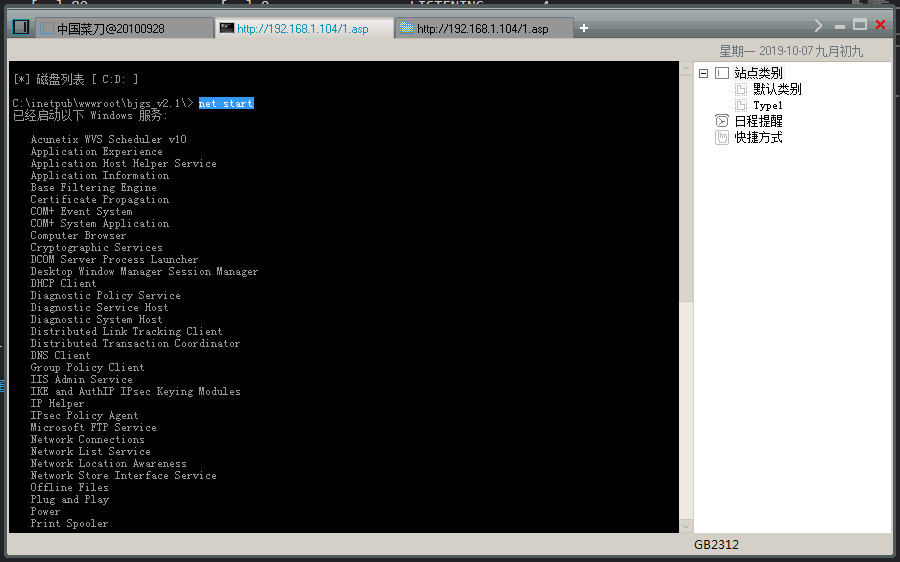
对于每个服务的名称可以去百度查看到底是什么服务
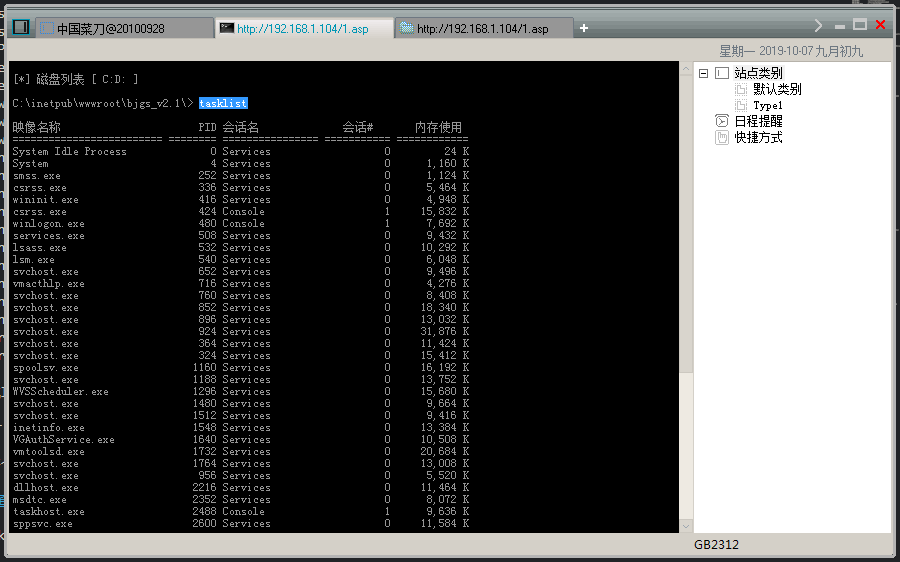
查看所运行的进程
tasklist //显示运行在本地或远程计算机上的所有进程
1 2 3 4 5 6 7 8 9 10 11 12 13 14 15 16 17 18 19 20 21 22 23 24 25 26 27 28 29 30 31 32 33 34 35 36 37 38 39 40 41 42 43 44 45 46 47 48 49 50 51 52 | C:\inetpub\wwwroot\bjgs_v2.1\> tasklist 映像名称 PID 会话名 会话# 内存使用 ========================= ======== ================ =========== ============ System Idle Process 0 Services 0 24 K System 4 Services 0 1,160 K smss.exe 252 Services 0 1,124 K csrss.exe 336 Services 0 5,464 K wininit.exe 416 Services 0 4,948 K csrss.exe 424 Console 1 15,832 K winlogon.exe 480 Console 1 7,692 K services.exe 508 Services 0 9,432 K lsass.exe 532 Services 0 10,292 K lsm.exe 540 Services 0 6,048 K svchost.exe 652 Services 0 9,496 K vmacthlp.exe 716 Services 0 4,276 K svchost.exe 760 Services 0 8,408 K svchost.exe 852 Services 0 18,340 K svchost.exe 896 Services 0 13,032 K svchost.exe 924 Services 0 31,876 K svchost.exe 364 Services 0 11,424 K svchost.exe 324 Services 0 15,412 K spoolsv.exe 1160 Services 0 16,192 K svchost.exe 1188 Services 0 13,752 K WVSScheduler.exe 1296 Services 0 15,680 K svchost.exe 1480 Services 0 9,664 K svchost.exe 1512 Services 0 9,416 K inetinfo.exe 1548 Services 0 13,384 K VGAuthService.exe 1640 Services 0 10,508 K vmtoolsd.exe 1732 Services 0 20,684 K svchost.exe 1764 Services 0 13,008 K svchost.exe 956 Services 0 5,520 K dllhost.exe 2216 Services 0 11,464 K msdtc.exe 2352 Services 0 8,072 K taskhost.exe 2488 Console 1 9,636 K sppsvc.exe 2600 Services 0 11,584 K WmiPrvSE.exe 2888 Services 0 12,972 K dwm.exe 2972 Console 1 68,880 K explorer.exe 3040 Console 1 48,120 K vmtoolsd.exe 2696 Console 1 22,540 K SearchIndexer.exe 1116 Services 0 27,908 K InetMgr.exe 3460 Console 1 84,152 K cmd.exe 3856 Console 1 3,000 K conhost.exe 3864 Console 1 7,456 K svchost.exe 320 Services 0 4,608 K svchost.exe 3200 Services 0 23,988 K w3wp.exe 3664 Services 0 42,888 K VSSVC.exe 3960 Services 0 6,868 K svchost.exe 3788 Services 0 5,176 K cmd.exe 2208 Services 0 2,808 K conhost.exe 2440 Services 0 3,868 K tasklist.exe 3412 Services 0 5,792 K |
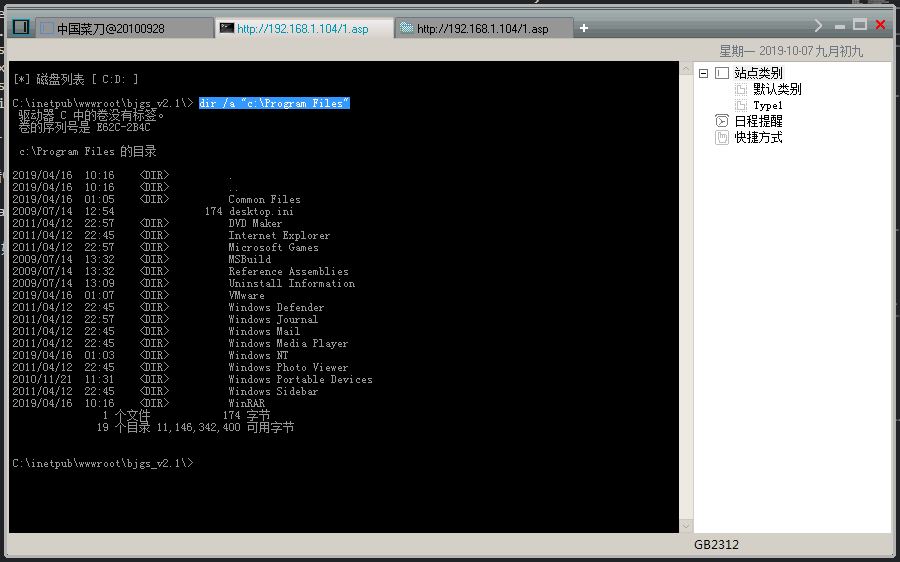
查看C盘下的Program Files下的所有内容,包括隐藏文件 /a参数就是查看包括隐藏文件
dir /a “c:\Program Files”
注意:如果目录中带有空格那么就要用双引号来列出
1 2 3 4 5 6 7 8 9 10 11 12 13 14 15 16 17 18 19 20 21 22 23 24 25 26 27 28 | C:\inetpub\wwwroot\bjgs_v2.1\> dir /a "c:\Program Files"
驱动器 C 中的卷没有标签。
卷的序列号是 E62C-2B4C
c:\Program Files 的目录
2019/04/16 10:16 <DIR> .
2019/04/16 10:16 <DIR> ..
2019/04/16 01:05 <DIR> Common Files
2009/07/14 12:54 174 desktop.ini
2011/04/12 22:57 <DIR> DVD Maker
2011/04/12 22:45 <DIR> Internet Explorer
2011/04/12 22:57 <DIR> Microsoft Games
2009/07/14 13:32 <DIR> MSBuild
2009/07/14 13:32 <DIR> Reference Assemblies
2009/07/14 13:09 <DIR> Uninstall Information
2019/04/16 01:07 <DIR> VMware
2011/04/12 22:45 <DIR> Windows Defender
2011/04/12 22:57 <DIR> Windows Journal
2011/04/12 22:45 <DIR> Windows Mail
2011/04/12 22:45 <DIR> Windows Media Player
2019/04/16 01:03 <DIR> Windows NT
2011/04/12 22:45 <DIR> Windows Photo Viewer
2010/11/21 11:31 <DIR> Windows Portable Devices
2011/04/12 22:45 <DIR> Windows Sidebar
2019/04/16 10:16 <DIR> WinRAR
1 个文件 174 字节
19 个目录 11,146,342,400 可用字节
|
查看系统安装的文件
wmic /NAMESPACE:”\root\CIMV2” PATH Win32_Product get name //列出系统安装了那些文件
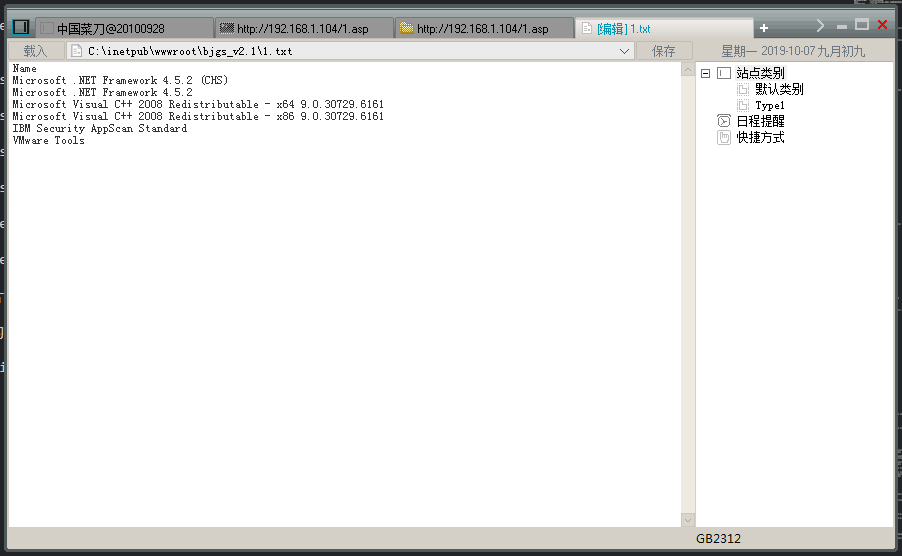
1 2 3 4 5 6 7 8 9 10 11 12 13 14 | C:\inetpub\wwwroot\bjgs_v2.1\> wmic /NAMESPACE:"\\root\CIMV2" PATH Win32_Product get name Name Microsoft .NET Framework 4.5.2 (CHS) Microsoft .NET Framework 4.5.2 Microsoft Visual C++ 2008 Redistributable - x64 9.0.30729.6161 Microsoft Visual C++ 2008 Redistributable - x86 9.0.30729.6161 IBM Security AppScan Standard VMware Tools |
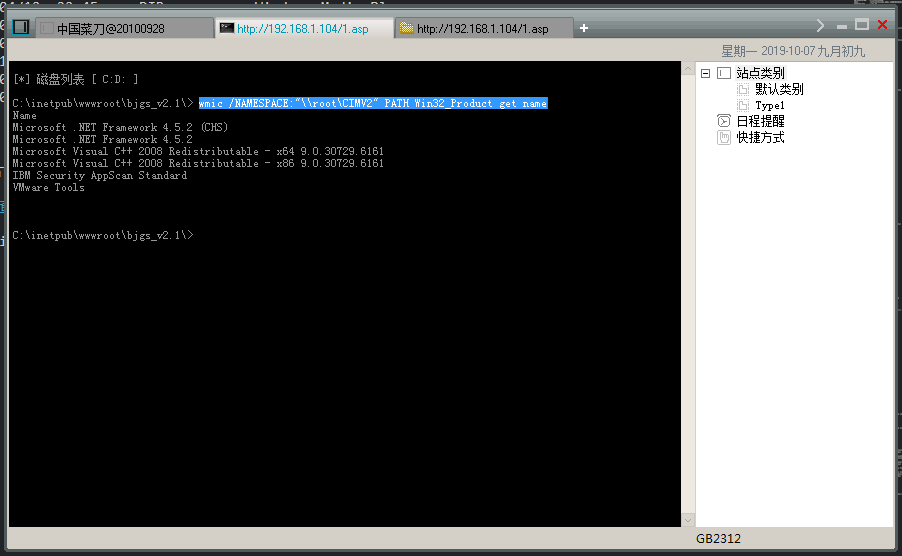
有的时候用菜刀执行命令网络会比较慢导致显示不出来,那么就可以在命令后面加一个”>”来重定向到一个文本文件”1.txt”
wmic /NAMESPACE:”\root\CIMV2” PATH Win32_Product get name > 1.txt
查看当前系统的补丁程序
上面的systeminfo也可以看到安装了那些补丁程序
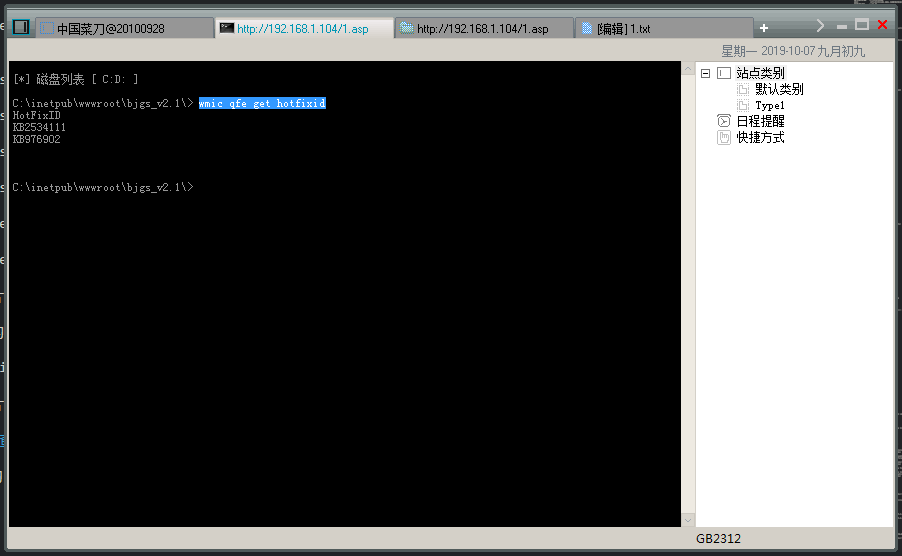
wmic qfe get hotfixid //查看安装了那些补丁程序
1 2 3 4 5 6 | C:\inetpub\wwwroot\bjgs_v2.1\> wmic qfe get hotfixid HotFixID KB2534111 KB976902 |
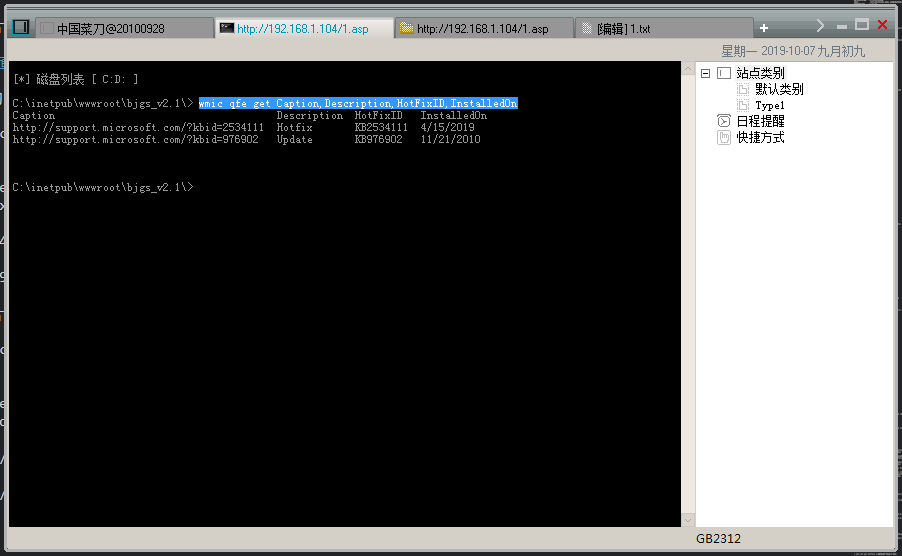
wmic qfe get Caption,Description,HotFixID,InstalledOn //这个比上一条列出的信息比较详细
1 2 3 4 5 6 | C:\inetpub\wwwroot\bjgs_v2.1\> wmic qfe get Caption,Description,HotFixID,InstalledOn Caption Description HotFixID InstalledOn http://support.microsoft.com/?kbid=2534111 Hotfix KB2534111 4/15/2019 http://support.microsoft.com/?kbid=976902 Update KB976902 11/21/2010 |
可读可写的目录
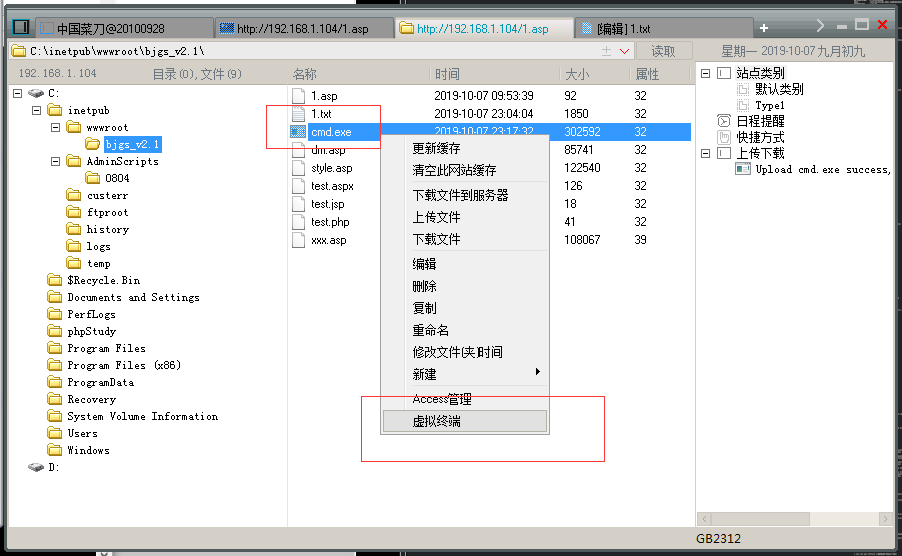
有的时候拿到一个WebShell,在执行虚拟终端的时候会失败,这个时候我们就需要找到一个可读可写的目录!
找到了可读可写的目录后,根据对方的操作系统位数,上传一个cmd.exe上去,然后就用我们上传上去的cmd.exe来执行命令,这样就可以了!