本文只用来做技术收藏具体内容请访问github。
https://github.com/Nightonke/BoomMenu
BoomMenu实现
一、导入jar
dependencies {
…
compile ‘com.nightonke:boommenu:x.y.z’
…
}
//x.y.z 为最新jar版本
// https://github.com/Nightonke/BoomMenu
二、xml中添加布局
<
com.nightonke.boommenu.BoomMenuButton
android:id=”@+id/boom”
android:layout_width=”wrap_content”
android:layout_height=”wrap_content”
android:layout_alignParentBottom=”true”
android:layout_alignParentRight=”true”
android:layout_alignParentEnd=”true”
android:layout_margin=”20dp”
app:boom_inActionBar=”false”
app:boom_button_color=”@color/colorPrimary”
app:boom_button_pressed_color=”@color/colorPrimary”
/>
三、代码逻辑
boomMenuButton = (BoomMenuButton)findViewById(R.id.boom);
@Override
public void onWindowFocusChanged(boolean hasFocus) {
super.onWindowFocusChanged(hasFocus);
boomMenuButton.init(
        subButtonDrawables, // 子按钮图片数组。不能空。
        subButtonTexts,     // 子按钮的文本数组,可以为空。
        subButtonColors,    // 子按钮的颜色数组,包括按下状态和正常状态。
        ButtonType.HAM,     // 按钮类型。
        BoomType.PARABOLA,  // The boom type.
        PlaceType.HAM_3_1,  // The place type.
        null,               // Ease type to move the sub buttons when showing.
        null,               // Ease type to scale the sub buttons when showing.
        null,               // Ease type to rotate the sub buttons when showing.
        null,               // Ease type to move the sub buttons when dismissing.
        null,               // Ease type to scale the sub buttons when dismissing.
        null,               // Ease type to rotate the sub buttons when dismissing.
        null                // Rotation degree.
);
}
以上属性详细参数请查看源码
https://github.com/Nightonke/BoomMenu
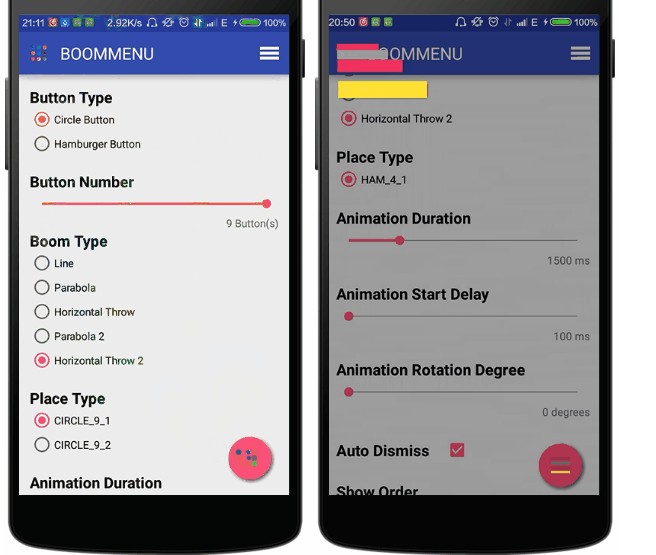
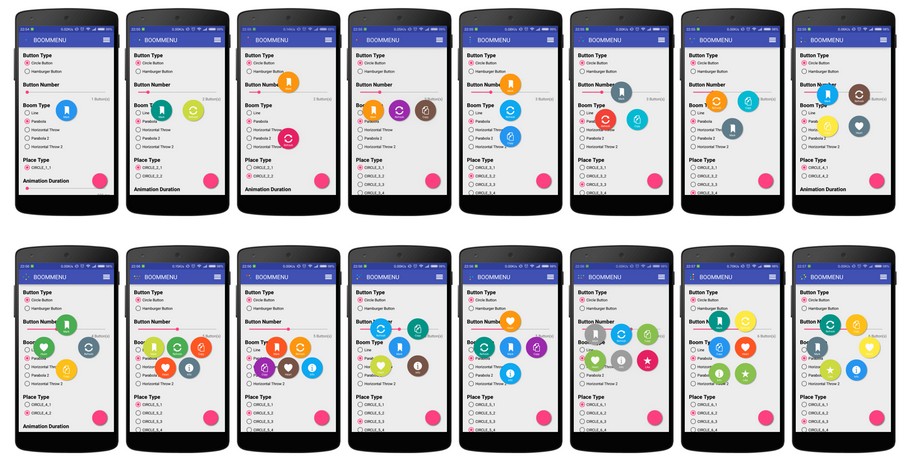
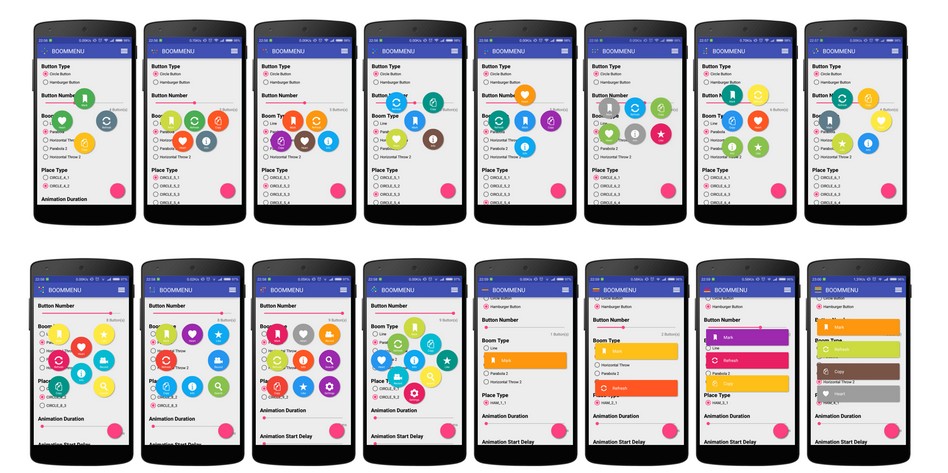
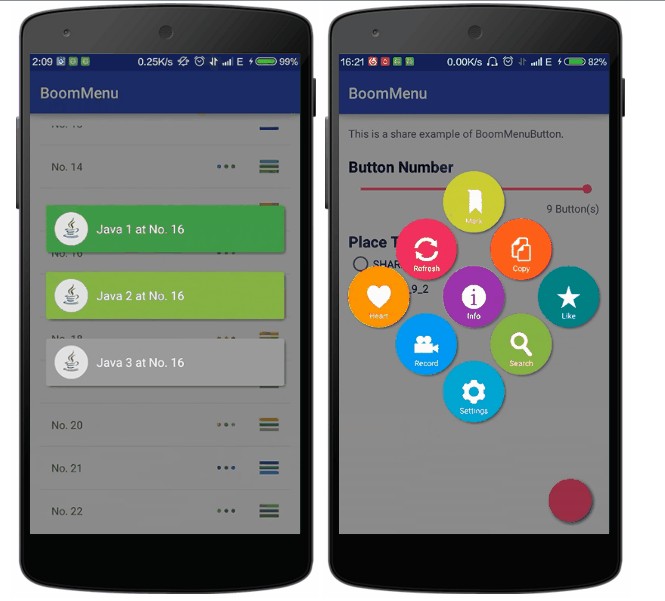
部分参数设置demo图展示