1.at配置在5小时候,将"This is a at task" 写入root家目录中的at_test文件中。
[root@localhost zhangqiao]# at now+5 hours
warning: commands will be executed using /bin/sh
at> echo"This is a at task">>/root/at_test
at> <EOT>
job 6 at Wed Dec  1 00:53:00 2021
2.crontab配置,每周六,周日9:30,14:00 提醒我上RHCE课程写入root家目录中的cron_test文件中。
[root@localhost ~]# crontab -u root -e
crontab: installing new crontab
[root@localhost ~]# crontab -u root -l
30 9 * * 6-7 echo"请加我上课">>/root/cron_test
0 14 * * 6-7 echo"请叫我上课">>/root/cron_test
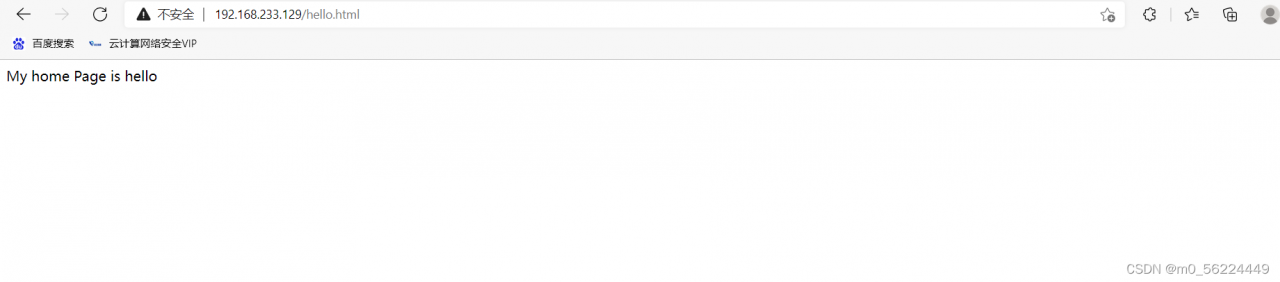
3.安装httpd,并将访问apache服务器的首页修改为hello.html,且内容为:“My Home Page is hello”
(1)安装完成httpd:(1.安装cente os 8 2.yum install httpd -y 3.rpm -ql httpd)
[root@localhost ~]# tree /etc/httpd
/etc/httpd
├── conf
│   ├── httpd.conf
│   └── magic
├── conf.d
│   ├── autoindex.conf
│   ├── README
│   ├── userdir.conf
│   └── welcome.conf
├── conf.modules.d
│   ├── 00-base.conf
│   ├── 00-dav.conf
│   ├── 00-lua.conf
│   ├── 00-mpm.conf
│   ├── 00-optional.conf
│   ├── 00-proxy.conf
│   ├── 00-systemd.conf
│   ├── 01-cgi.conf
│   ├── 10-h2.conf
│   ├── 10-proxy_h2.conf
│   └── README
├── logs -> ../../var/log/httpd
├── modules -> ../../usr/lib64/httpd/modules
├── run -> /run/httpd
└── state -> ../../var/lib/httpd

7 directories, 17 files
(2)进入目录
cd /var/www/html/
vim hello.html
访问IP地址/hello.html
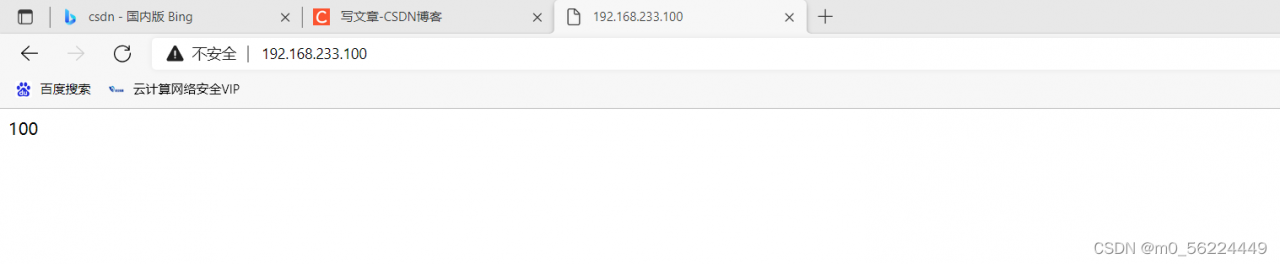
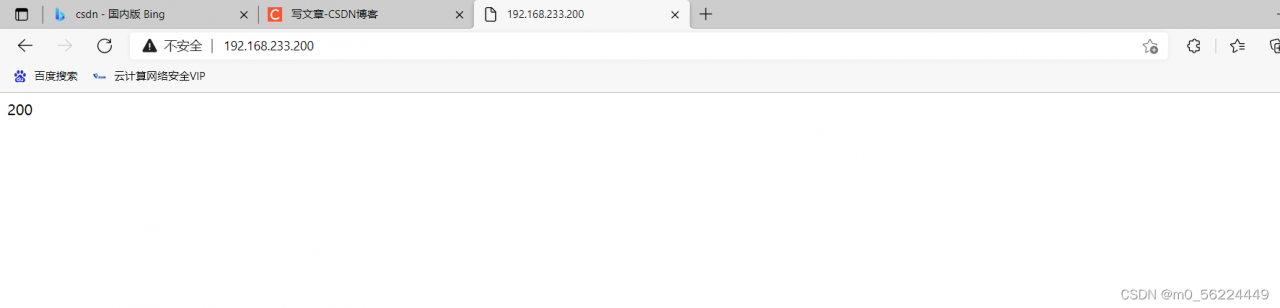
4.虚拟主机:虚拟两台主机ip为100,200,对应访问目录:/www/ip/100, /www/ip/200 并创建首页文件index.html
(1)先关闭防火墙
[root@localhost Desktop]# systemctl stop firewalld
[root@localhost Desktop]# setenforce 0
(2)增加并激活两个ip地址
root@localhost Desktop]# nmcli connection modify ens192 +ipv4.addresses 192.168.233.100/24 ipv4.gateway 192.168.233.2 ipv4.method manual
[root@localhost Desktop]# nmcli connection modify ens192 +ipv4.addresses 192.168.233.200/24 ipv4.gateway 192.168.233.2 ipv4.method manual
[root@localhost Desktop]# nmcli connection up ens192
(3)创建文件夹 并写入内容
[root@localhost Desktop]# mkdir -p /www/ip/{100,200}
[root@localhost Desktop]# echo this is 100> /www/ip/100/index.html
this is
[root@localhost Desktop]# echo this is 200> /www/ip/200/index.html
this is
(4)定义基于不同ip访问的内容
# vim /etc/httpd/conf.d/host.conf编辑内容如下
<Directory "/www/ip">
AllowOverride none
Require all granted
</Directory>

#Listen 80
<VirtualHost 192.168.233.100:80>
DocumentRoot "/www/ip/100"
ServerName 192.168.233.100
</VirtualHost>

#Listen 80
<VirtualHost 192.168.233.200:80>
DocumentRoot "/www/ip/200"
ServerName 192.168.233.200
</VirtualHost>
重启服务
systemctl start httpd进行 IP查看。
版权声明:本文为m0_56224449原创文章,遵循CC 4.0 BY-SA版权协议,转载请附上原文出处链接和本声明。