这篇文章主要介绍jmeter的步进线程组stepping thread group的引用、使用详情,适合性能测试新手。
jmeter安装步进线程组
1、插件下载地址:https://jmeter-plugins.org/downloads/old/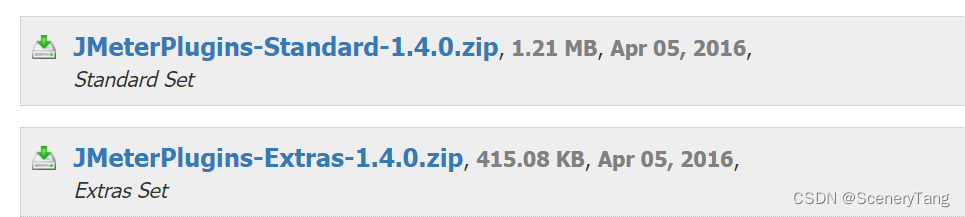
2、下载插件后,解压,并将.jar 文件放在jmeter 文件夹下面的lib/ext :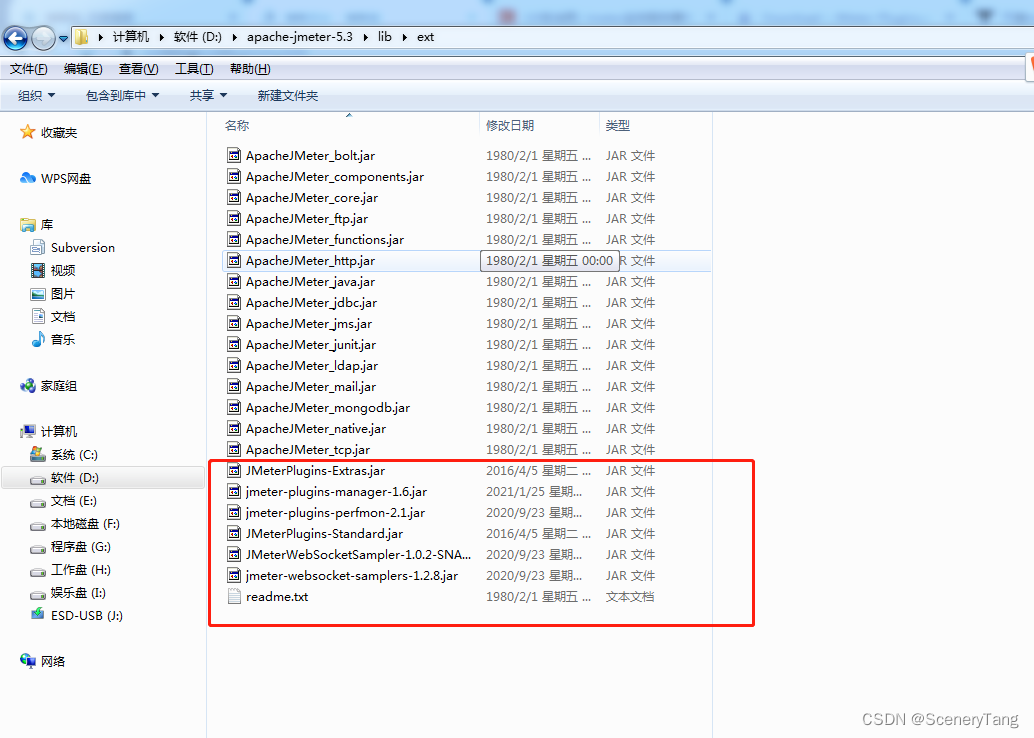
3、重启jmeter 可以看到对应的插件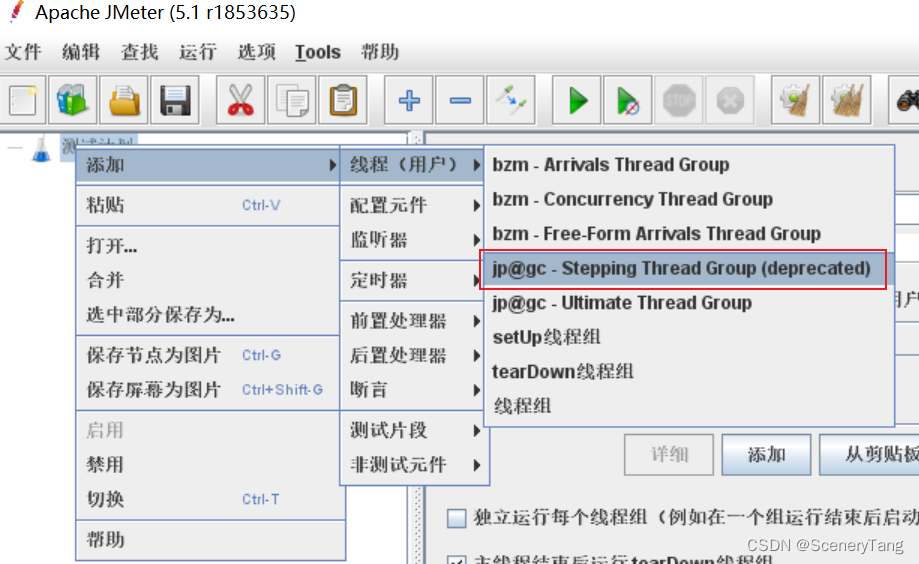
步进线程组的使用
操作:测试计划->添加->线程(用户)->jp@gc-Stepping thread group
参数解析:
action to be taken after a sampler error:取样器失败之后采取的行为(默认是continue)
- continue:忽略错误,继续执行
- start next thread loop:开始下一轮线程循环
- stop thread:终止线程运行
- stop test:终止测试
- stop test now:立即终止测试
thread scheduling parameters:线程调度参数
- this group will start 300 threads:这个线程组最大将启动300个线程
- first,wait for 60 seconds:启动之前,首先等待60秒
- then start 50 threads:开始启动50个线程(初始并发数为50)
- next,add 10 threads every 30 seconds,using ramp-up 5 seconds:每隔30秒,在5秒内启动10个线程
- then hold load for 180 seconds:增加到最大线程数后,保持运行180秒(稳定性测试)
- finally, stop 50 thread every 1 seconds: 每间隔1秒终止50个线程
下方就是并发数曲线图:
版权声明:本文为qq_34870707原创文章,遵循CC 4.0 BY-SA版权协议,转载请附上原文出处链接和本声明。